How to Reset Your Samsung TV Remote

By Trae Jacobs,

When you buy through our links, we may earn an affiliate commission.
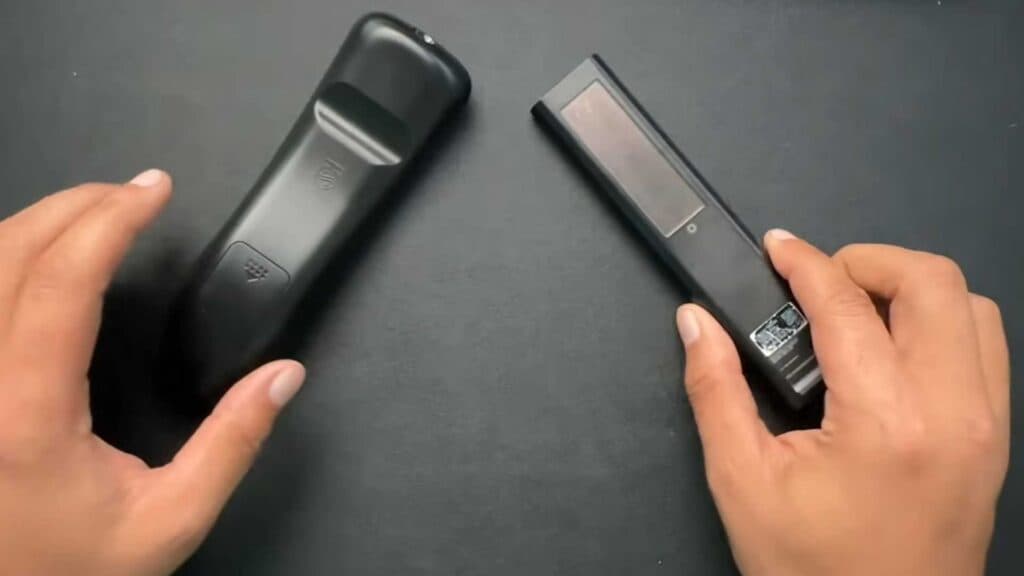
Your Samsung TV remote is unresponsive and will not control your television. You can follow these steps to reset and re-pair your controller yourself.
- If you are using a standard battery-powered remote, take the batteries out. Press any button on the remote to drain any remaining electrical charge, then put the batteries back in [0:12].
- For a Samsung SolarCell remote, locate the back button and the play button. Press and hold both buttons at the same time for 10 seconds until the LED at the top of the remote starts blinking [0:49].
- Turn on your Samsung TV and ensure you are standing near it. To finish the pairing process, press any button on your remote and wait for the TV to recognize the device [1:45].
Ninja Tip: If the remote still fails to respond, try unplugging your TV from the power outlet for 60 seconds to clear the television’s internal cache and restart the system.
If the remote remains unresponsive after these steps, you can perform a full system reset through your TV settings under Settings > General > Reset.
Keep Reading


