How to Reset or Restart Your Roku Express 4K

By Trae Jacobs,

When you buy through our links, we may earn an affiliate commission.
Your Roku Express 4K is frozen or unresponsive. You can resolve this issue by following these steps.
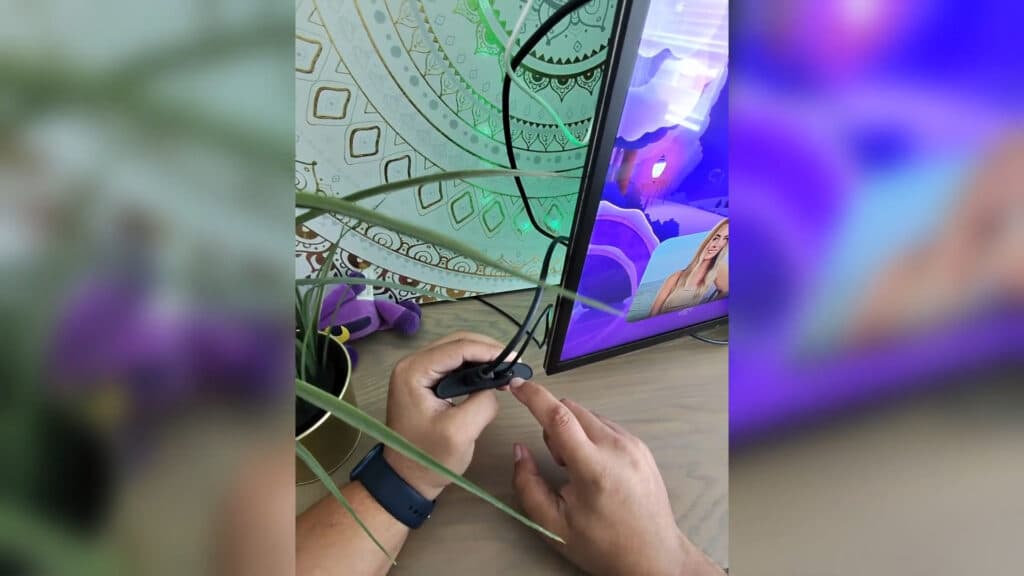
- Locate the physical reset button on your device and press it once for a quick system restart. [1:06]
- Use your remote to press Home five times, then press the up arrow, rewind twice, and fast forward twice to force a system restart. [0:20]
- Press and hold the physical reset button on the device for 10 to 15 seconds until the indicator light begins to flash to perform a factory reset. [1:25]
- Navigate to Settings > System > Power to find the system restart option within your menu. [2:33]
Ninja Tip: If your Roku remote is unresponsive, download the official Roku mobile app on your smartphone to use it as a fully functional remote control over your Wi-Fi network.
You can also initiate a factory reset via the menu by selecting Settings > System > Advanced system settings > Factory reset.
Keep Reading



