How to Reset and Reconnect Your LG Magic Remote (2021 and Earlier)

By Trae Jacobs,

When you buy through our links, we may earn an affiliate commission.
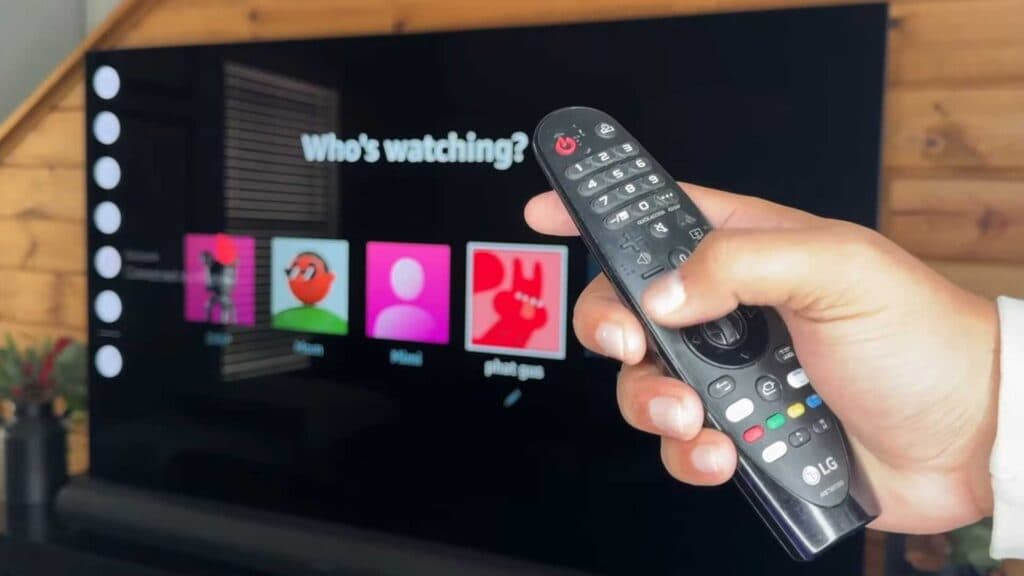
Your LG Magic Remote is not responding to your TV. You can reset and re-register the controller to restore its connection.
- Check your remote for physical damage by giving it a light shake, and ensure your router is moved away from the TV to prevent wireless interference. [0:34]
- Remove the batteries, press several buttons to discharge any leftover power, and wait for one minute before putting the batteries back in. [1:02]
- Press and hold the Home and Back buttons at the same time until the light on the remote blinks and you see a disconnect message on the screen. [1:21]
- Press the center OK button (the scroll wheel) to initiate the registration process and pair the remote to your TV. [1:44]
- If the first method fails, try holding the Guide button instead to disconnect the remote, then press the OK button to re-register it.
Ninja Tip: If the remote still won’t pair, try a fresh pair of high-quality alkaline batteries; Magic Remotes are sensitive to voltage drops and often fail to register if the batteries are even slightly low.
For a final troubleshooting step, perform a full TV factory reset by navigating to All Settings > General > Reset to Initial Settings
Keep Reading



