How to Reset and Reconnect Your Chromecast Remote

By Trae Jacobs,

When you buy through our links, we may earn an affiliate commission.
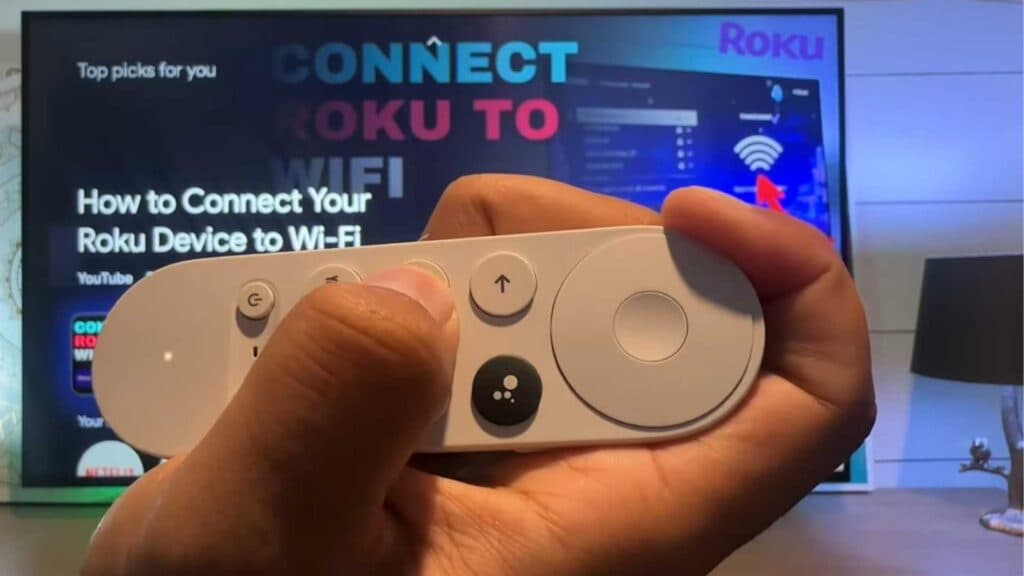
Your Chromecast remote is not responding to your commands. You can resolve this issue by following a few simple steps to reset the connection.
- Remove the batteries from your remote and press every button on the device to clear out any leftover electrical charge [0:10].
- Put the batteries back in and press and hold the Home button until you see the light on the remote start blinking [0:25].
- Press the physical button on the back of your Chromecast device to initiate a new search for Bluetooth controllers [0:57].
- If the remote doesn’t pair automatically, hold the Home and Back buttons at the same time until the light flashes to force it into pairing mode.
- Once the pairing light stops flashing, press the Home button to return to your normal screen and confirm the remote is connected.
Ninja Tip: If your remote still won’t stay connected, check the battery level in your Google Home app settings, as low voltage is the most frequent cause of intermittent signal loss.
If you are still unable to control your device, perform a factory reset by navigating to Settings > System > About > Factory reset.
Keep Reading


