How to Reset an LG TV Without a Remote

By Trae Jacobs,

When you buy through our links, we may earn an affiliate commission.
Your LG TV is not responding and you do not have the remote handy. You can fix this issue by using a few simple built-in methods or your smartphone.
- Press and hold the physical power button on the TV for 10 to 15 seconds to trigger a soft reset [0:39].
- Unplug your TV from the power outlet for at least 60 seconds to allow the internal power to dissipate [1:03].
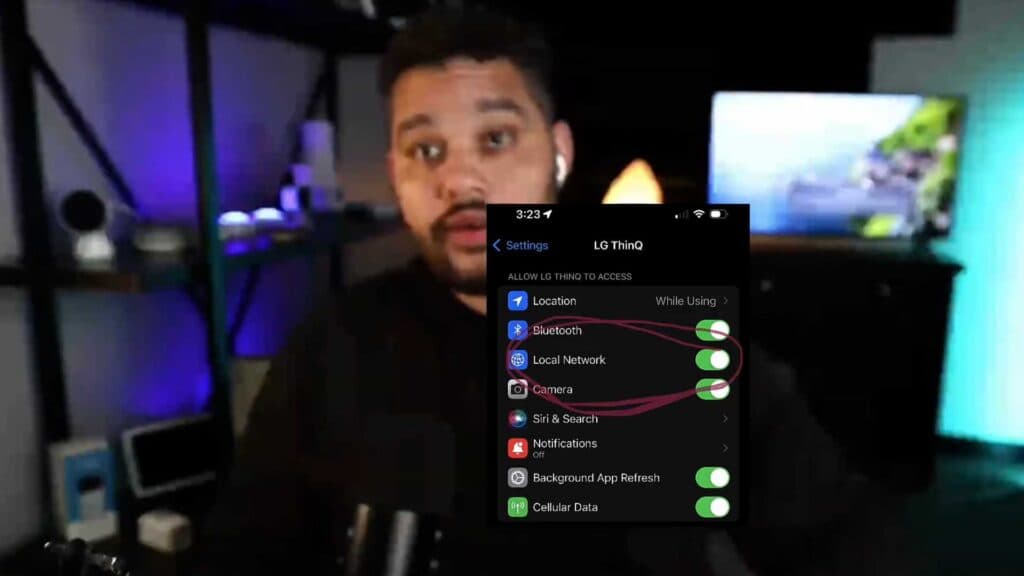
- Download and set up the ThinQ app on your smartphone to control the TV over your local Wi-Fi network [2:06].
- Navigate through the on-screen menu using the app as your remote [3:13].
- Alternatively, purchase a low-cost universal remote that is compatible with LG televisions if you prefer using a physical remote.
Ninja Tip: Check if your TV is connected to the same 2.4GHz Wi-Fi network as your phone, as connectivity issues often stem from being on different network bands or guest networks.
To perform a factory reset, navigate to Settings > All Settings > General > System > Reset.
Keep Reading



