How to Replace Your Ring Motion Sensor (2nd Gen) Batteries

By Trae Jacobs,

When you buy through our links, we may earn an affiliate commission.
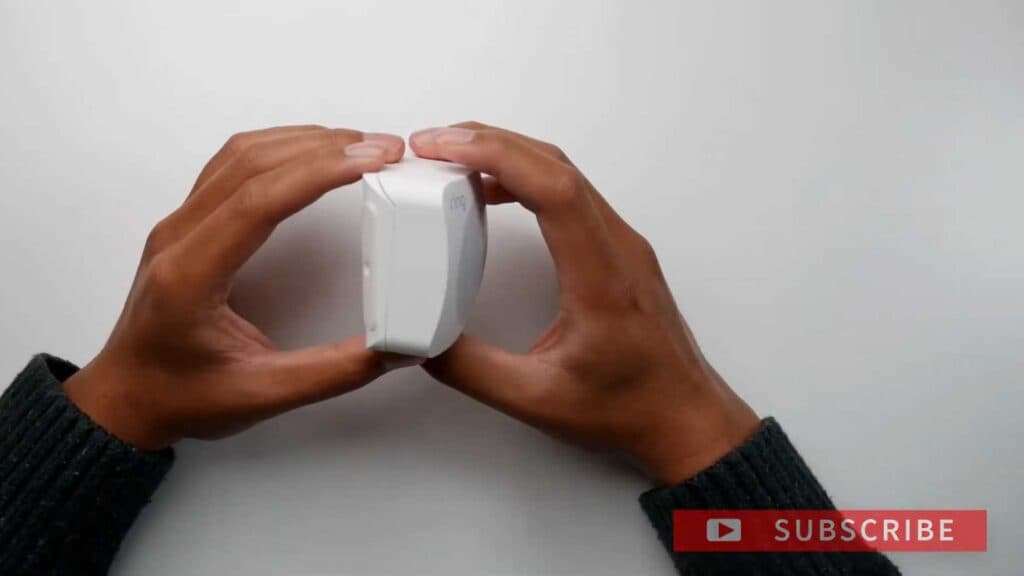
Your Ring Motion Sensor (2nd Gen) has a dead battery and is no longer reporting activity to your alarm system. You can quickly restore full functionality by swapping in a fresh set of batteries.
- Slide the front cover of the sensor upward to reveal the battery compartment while leaving the mounting bracket attached to your wall (0:07).
- Remove the two depleted AA batteries and insert a fresh pair into the slots (0:14).
- Slide the sensor cover back onto the base unit until it clicks into place (0:21).
- Open the Ring app, navigate to View Alarm, and tap on your motion sensor to verify that the battery status shows as full (0:28).
Ninja Tip: Always use lithium AA batteries rather than standard alkaline ones for your Ring sensors, as they perform much better in fluctuating temperatures and last significantly longer. Make sure to check that the contacts inside the sensor are clean and free of any debris before inserting the new cells.
If the device fails to reconnect after a few minutes, remove the device from your Ring app and re-add it by following the Add Device process in your Alarm settings.
Keep Reading



