How to Replace a Ring Contact Sensor Generation 1 Battery

By Trae Jacobs,

When you buy through our links, we may earn an affiliate commission.
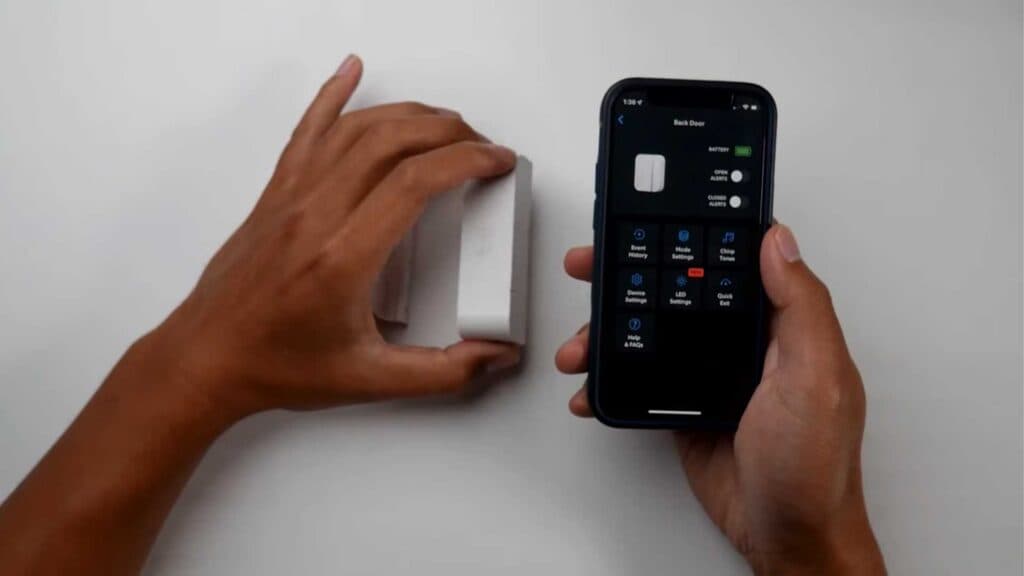
Your Ring contact sensor is offline because the battery is dead. You can restore power to your sensor by installing a new one.
- Locate the release button on the bottom of your sensor and press down while pulling up to unlock the device [0:26].
- Remove the old battery and insert a new CR123A 3V battery.
- A tamper notification will appear in your app, which is a normal part of the process.
Ninja Tip: After inserting the fresh battery, wipe the sensor’s metal contact points with a dry microfiber cloth to ensure a stable connection. This prevents intermittent connectivity issues caused by dust or moisture buildup.
If the sensor remains unresponsive, perform a factory reset by removing the battery, holding the tamper button, reinserting the battery, and holding for ten seconds.
Keep Reading



