How to Replace a Dead Apple AirTag Battery

By Trae Jacobs,

When you buy through our links, we may earn an affiliate commission.
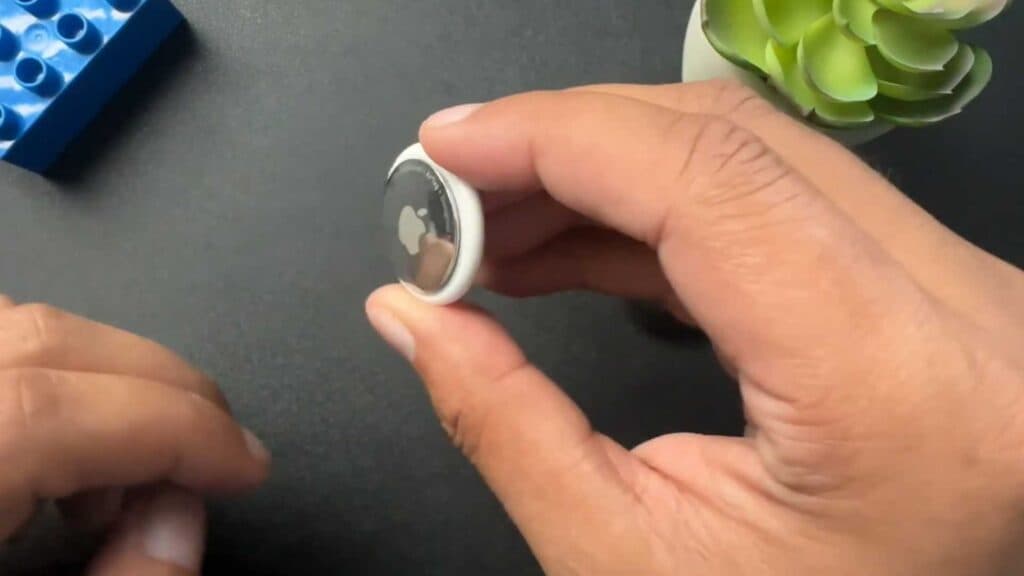
Your AirTag currently has a dead battery and is no longer tracking your items. You can replace the old cell with a fresh one to get it working again.
- Press down on the AirTag cover and rotate it counterclockwise to pop the back off [0:07].
- Remove the old battery and insert a new CR2032 coin cell [0:25].
- Align the teeth on the cover with the corresponding slots on the bottom [0:48].
- Push the cover down and twist it clockwise to lock the unit back into place.
Ninja Tip: Many CR2032 batteries have a bitterant coating designed to prevent accidental ingestion, but this coating can sometimes block the connection; if your new battery doesn’t work, wipe it down with a cloth dampened in isopropyl alcohol to remove the film.
If the AirTag still does not connect to your iPhone, perform a factory reset by removing and re-inserting the battery five times until you hear a sound.
Keep Reading



