How to Remove a Nest Device From Your Account Before Selling

By Trae Jacobs,

When you buy through our links, we may earn an affiliate commission.
You are selling your home or moving out and need to disconnect your Nest devices from your personal account. You can easily wipe your information and prepare the hardware for a new owner by following these steps.
- Open the Nest app and select the device you want to remove, then navigate to your settings and tap remove lock at the bottom of the screen [0:37].
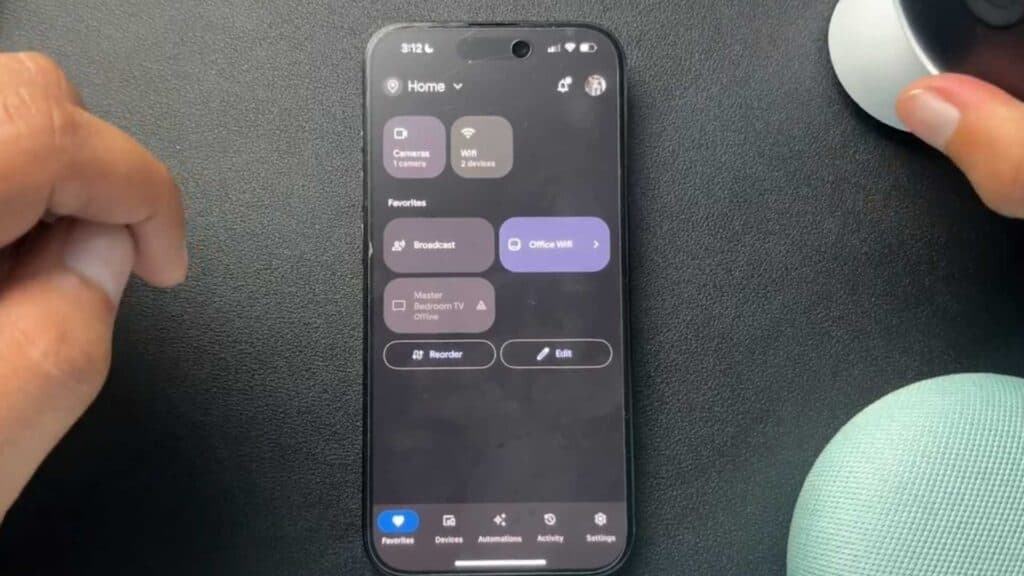
- Open the Google Home app, select the camera you are removing, and tap the three dots in the corner to access the settings menu [1:25].
- Select the option to remove the device from your account.
- Perform a factory reset on your physical device by using a small pin to press the reset button until the lights indicate the process is complete.
Ninja Tip: Before handing the device over, ensure you also remove the device from your Google account security settings page online to revoke any lingering third-party access or connected services. This final security step ensures your account is completely unlinked from the hardware.
To finish the process, you must perform a factory reset directly on the device using the designated pinhole button.
Keep Reading


