How to Recover a Forgotten Apple ID Password on iPhone

By Trae Jacobs,

When you buy through our links, we may earn an affiliate commission.
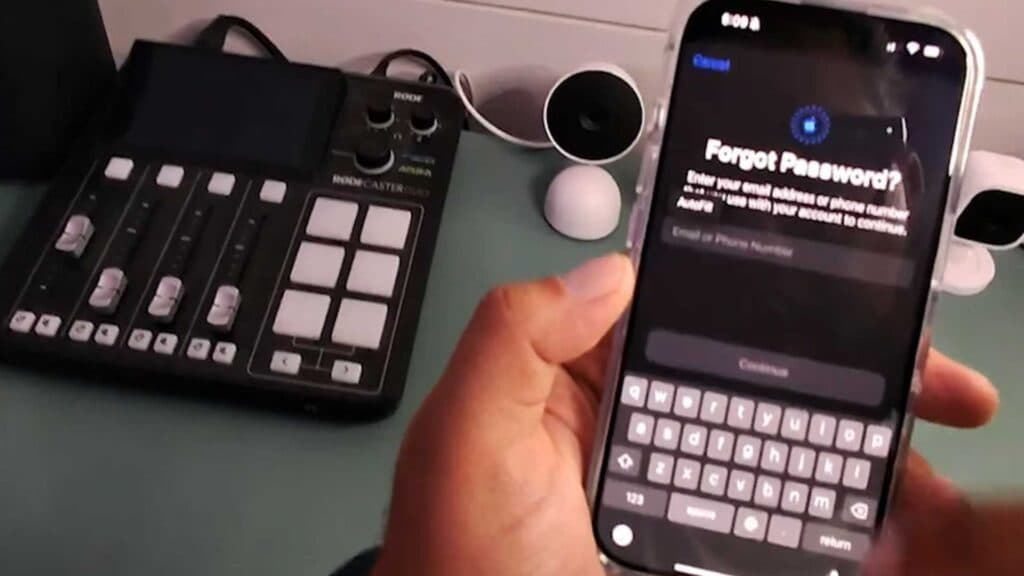
You are locked out of your iPhone because you cannot remember your Apple ID password. You can reset your credentials and regain access to your account by following these steps.
- If your iPhone is not signed in, go to Settings and tap your Apple account to sign in manually, then select the “forgot password” option [0:12].
- Enter the email address or phone number associated with your Apple ID and follow the remaining on-screen instructions [0:23].
- If your iPhone is already signed in and you need to reset the password, open a web browser and go to iforgot.apple.com [0:39].
- Select the “reset password” button on the webpage and complete the recovery process [0:54].
Ninja Tip: Check your device’s Keychain or your saved browser passwords, as you may have already stored your Apple ID credentials there previously.
If you still cannot access your account, you can initiate the formal Apple Account Recovery process at iforgot.apple.com.
Keep Reading



