How to Properly Log Out of WhatsApp on an iPhone

By Trae Jacobs,

When you buy through our links, we may earn an affiliate commission.
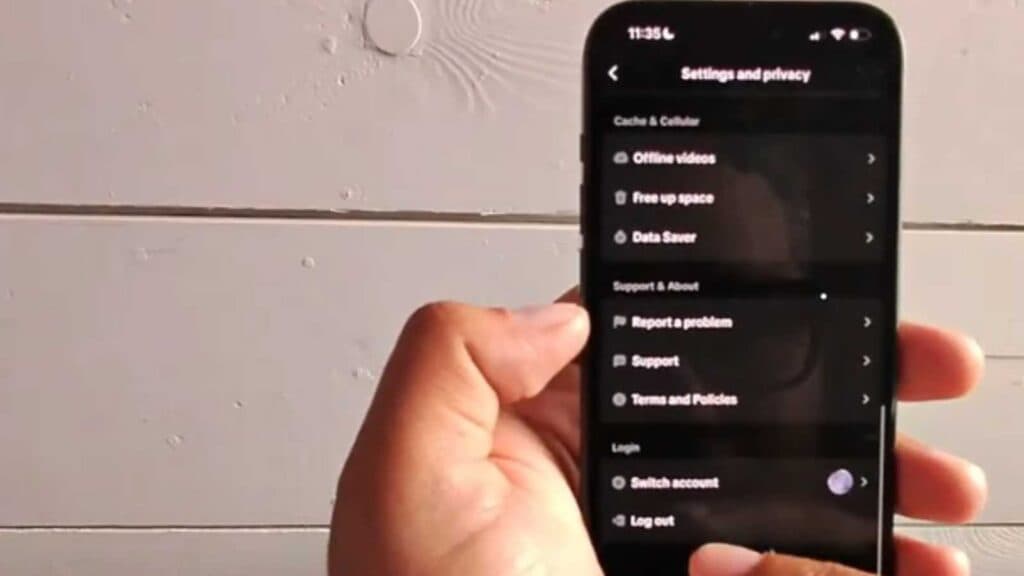
Your WhatsApp account remains active on your iPhone, and there is no direct logout button in the settings. You can resolve this by following the steps below to clear your session and account data.
- Open WhatsApp, go to Linked Devices, select any active sessions like a web browser, and log them out [0:11].
- Navigate to Settings > Chats > Chat Backup to ensure all your messages are saved to your iCloud account [0:33].
- Go to the Account menu, select Delete My Account, enter your phone number, and confirm the action to complete the process.
Ninja Tip: If you just want to stop receiving notifications temporarily without deleting your account, go to your iPhone’s Settings > Notifications > WhatsApp and toggle off Allow Notifications to silence the app completely.
If you still experience issues with the app, remove the application from your device by holding the icon on your home screen and selecting Remove App > Delete App.
Keep Reading


