How to Pair AirPods That Are Already Linked to Another Apple ID

By Trae Jacobs,

When you buy through our links, we may earn an affiliate commission.
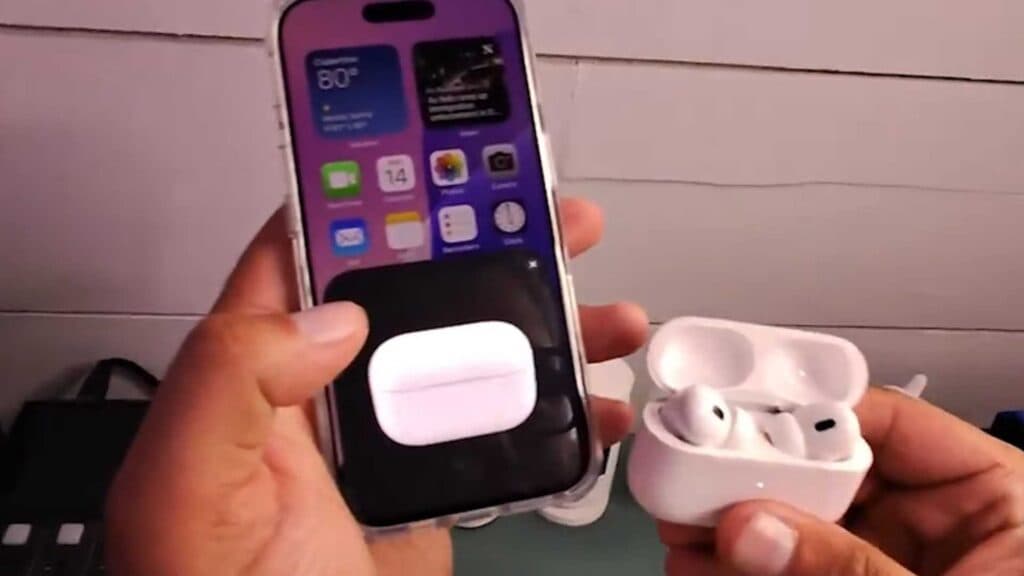
Your AirPods are currently linked to someone else’s Apple ID, and you see tracking alerts on your phone. You can pair them to your own device by following a few simple steps.
- Open the AirPods case while near your iPhone [0:34].
- Press and hold the button on the back of the case until the status light begins to flash [0:40].
- Follow the on-screen prompts on your iPhone to complete the connection process [1:00].
Ninja Tip: Even if you successfully connect the AirPods to your phone, the original owner can still track your location if the device remains in their Find My account. To stop this, ensure the previous owner removes the device from their Find My app entirely.
If the AirPods are still locked to the previous account, you must perform a full factory reset by holding the case button for about 15 seconds until the light flashes amber and then white.
Keep Reading



