How to Pair a Roku Remote Without a Pairing Button

By Trae Jacobs,

When you buy through our links, we may earn an affiliate commission.
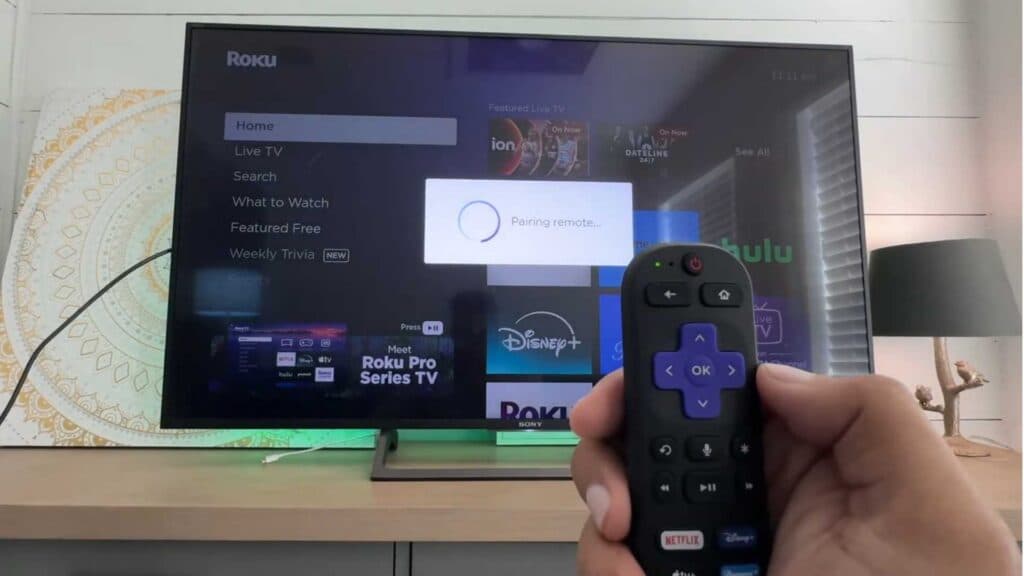
Your Roku remote is not connecting to your device. You can easily pair it using a simple button combination.
- Press and hold the Back and Home buttons simultaneously for five seconds until you see the status light begin to flash [0:26].
- Press the Power button to finalize the connection.
Ninja Tip: If the remote still won’t connect, remove the batteries for 10 seconds and unplug your Roku device from the power outlet for 20 seconds before trying the pairing sequence again.
If these steps do not resolve the issue, you can perform a factory reset by navigating to Settings > System > Advanced system settings > Factory reset.
Keep Reading



