How to Log Out of Your Facebook Account on iPhone

By Trae Jacobs,

When you buy through our links, we may earn an affiliate commission.
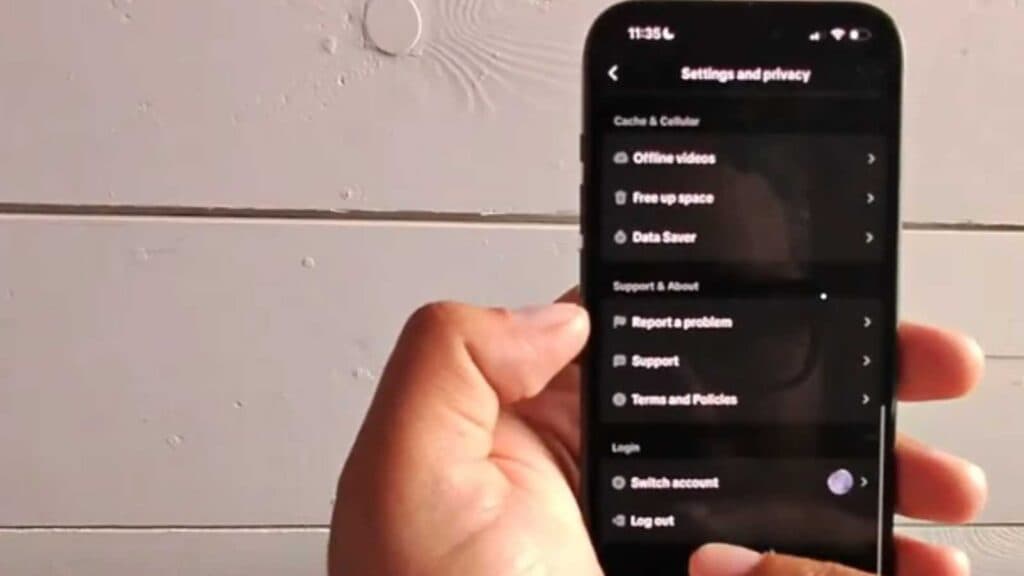
Your Facebook account stays active on your iPhone, keeping you signed in even when you want to disconnect. You can sign out of your account by following these steps.
- Open the Facebook app and tap the menu icon to access your account settings [0:08].
- Scroll to the very bottom of the menu page to find the logout option [0:26].
- Tap the “Log Out” button and confirm your choice when prompted to complete the sign-out process [0:32].
Ninja Tip: If you are also using Facebook in Safari or Chrome, log out there separately to ensure your session is fully cleared from your device’s browser.
If you still see your account information, remove the saved login info in Settings > Passwords.
Keep Reading


