How to Log Out of the PayPal App on iPhone

By Trae Jacobs,

When you buy through our links, we may earn an affiliate commission.
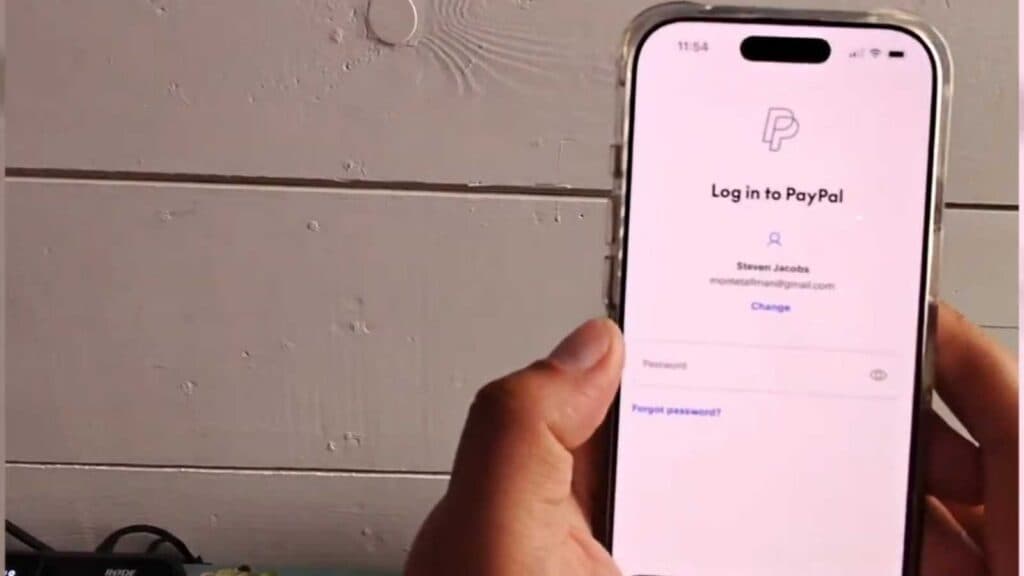
You are currently signed into your PayPal account on your iPhone and need to sign out. You can securely log out of the app by following these quick steps.
- Open the PayPal app on your iPhone. [0:06]
- Tap your profile icon located in the upper right-hand corner of the screen. [0:10]
- Scroll down the menu and tap the “Log out” button to end your session.
Ninja Tip: If you want to prevent unauthorized access to your account in the future, go to your iPhone settings, select FaceID & Passcode, and ensure your device is locked when not in use.
If you continue to experience issues with the app, perform a full reset by navigating to Settings > General > Transfer or Reset iPhone > Erase All Content and Settings.
Keep Reading



