How to Log Out of Snapchat on iPhone

By Trae Jacobs,

When you buy through our links, we may earn an affiliate commission.
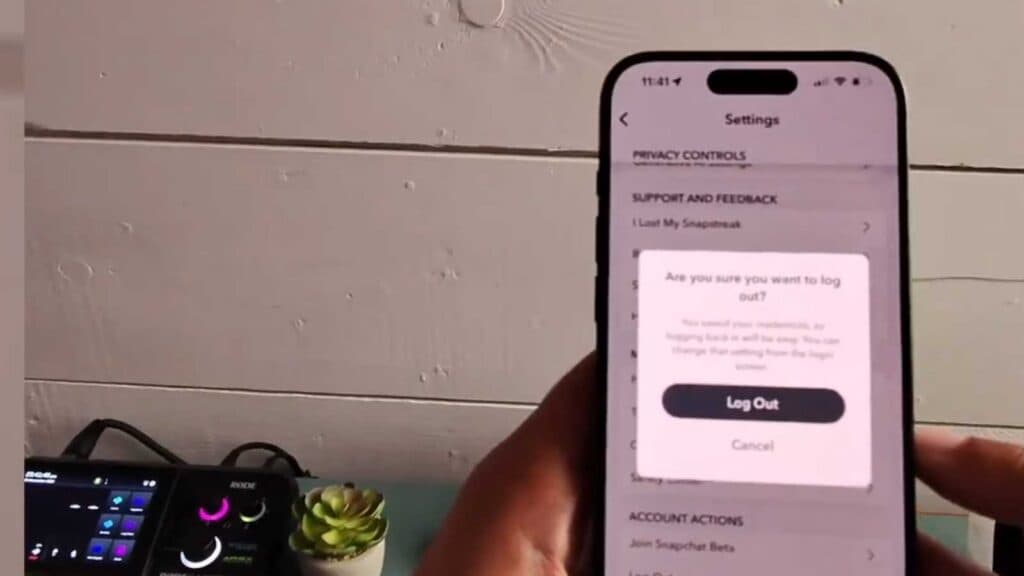
You are unable to log out of your Snapchat account on your iPhone. You can resolve this issue by following the steps below.
- Open the Snapchat app and tap your Bitmoji icon in the top-left corner of the screen [0:10].
- Tap the settings gear icon located in the top-right corner [0:23].
- Scroll all the way down to the bottom of the settings menu [0:35].
- Tap the Log Out button and confirm your choice when prompted to complete the process.
Ninja Tip: If you are planning to sell or give away your iPhone, make sure to remove your device from your Snapchat account in the “Two-Factor Authentication” settings under “Devices” before logging out. This ensures your account is fully disconnected from the hardware.
If you still face issues, you can perform a full reset by navigating to Settings > General > Transfer or Reset iPhone > Erase All Content and Settings.
Keep Reading



