How to Lock Your Notes on iPhone With a Password

By Trae Jacobs,

When you buy through our links, we may earn an affiliate commission.
Your private information is exposed because your notes are not locked. You can easily secure them using a passcode or Face ID.
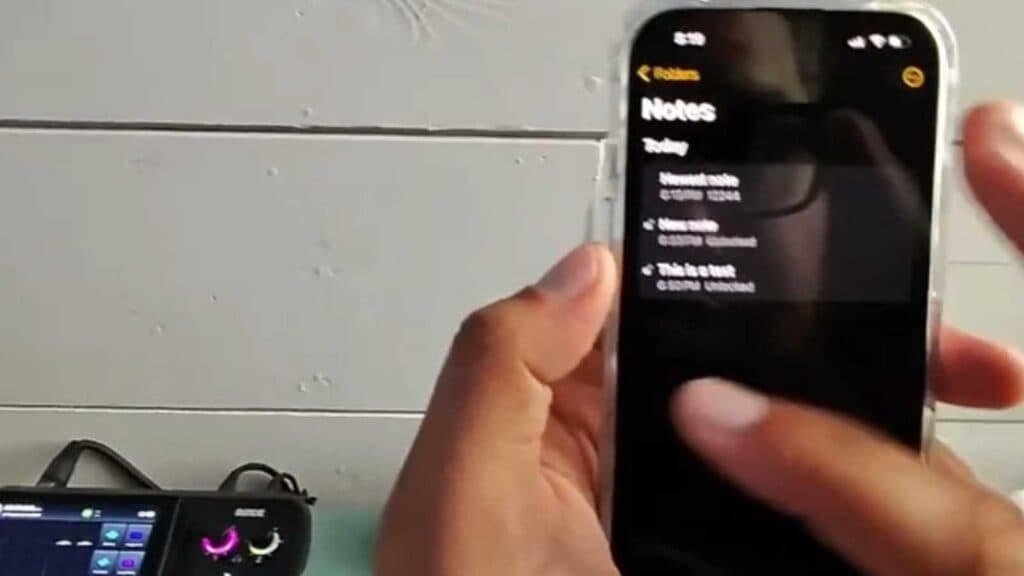
- Open an existing note, or create a new one, and long-press on the note from your list to select the “Lock note” option [0:53].
- Navigate to your iPhone Settings, search for the “Notes” app, and select “Password” to configure your security preferences [1:21].
- Choose whether to use your device passcode to open notes or toggle on Face ID to unlock them with your face [1:44].
- If you need to change your security method later, go back to the Password section in your Notes settings and select “Change password” to update your credentials.
Ninja Tip: Keep in mind that locking a note hides its content from the preview list, but if you forget the specific password you set for your notes, you won’t be able to recover access to them even with Face ID enabled.
If you have forgotten your password and cannot regain access to your locked notes, you can reset your credentials by going to Settings > Notes > Password > Reset Notes Password.
Keep Reading



