How to Leave a Google Review for a Business

By Sameer,

When you buy through our links, we may earn an affiliate commission.
You want to share feedback about a business on Google, but you are not sure how to post it. You can follow these steps to write and publish your review.
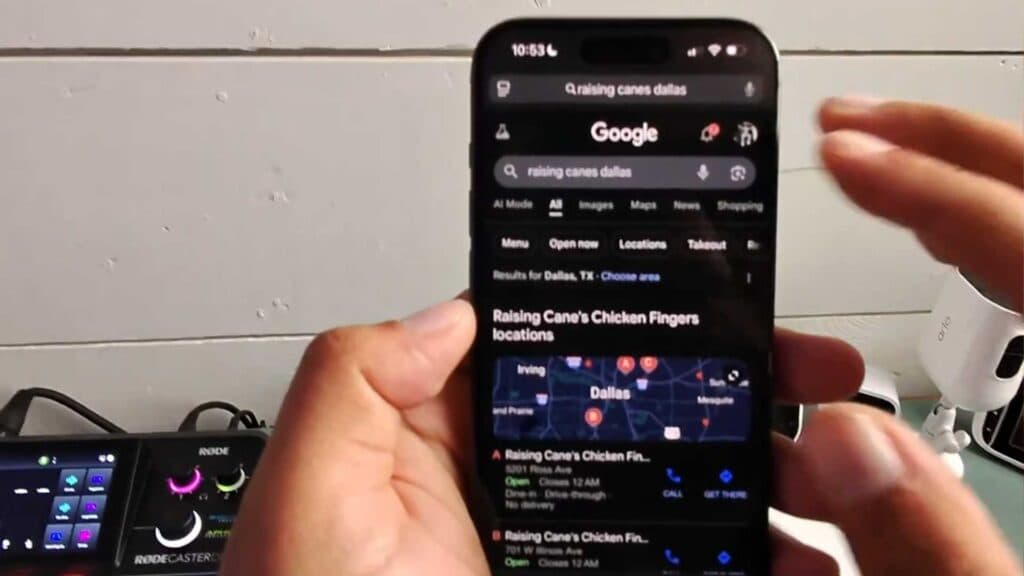
- Open your Google Chrome browser or the Google Maps app and search for the specific business location you want to review. [0:11]
- Select the “Reviews” tab and tap on your chosen star rating to begin. [0:37]
- Write details about your experience and add photos or videos to give your review more context and impact. [1:10]
- Review your content, ensure you are signed into your Google account, and hit post to make your feedback public.
Ninja Tip: If you want to check if your review is visible to others, sign out of your Google account and search for the business again in an Incognito window to view the page as a public visitor.
If you find that your review is not appearing, you can troubleshoot by checking your Google account status via Settings > Google > Manage your Google Account.
Keep Reading


