How to Leave a Business Review on Facebook

By Trae Jacobs,

When you buy through our links, we may earn an affiliate commission.
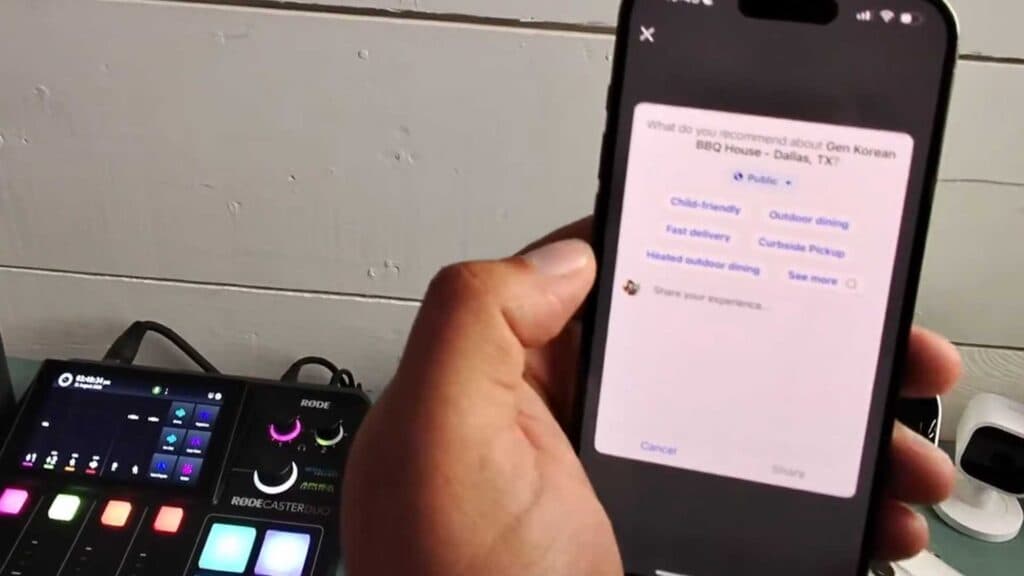
You are trying to leave a review for a business on Facebook but cannot find the option to do so. You can post your feedback by following these steps.
- Search for the specific business location you want to review in the Facebook search bar. [0:08]
- Click on the business’s page, making sure you have selected the correct physical location rather than a corporate profile. [0:43]
- Scroll down the page to find the review section and click it. [1:12]
- Select “Yes” when asked if you would recommend the business. [1:22]
- Write your feedback in the text box, ensuring it meets the 25-character minimum requirement before hitting share.
Ninja Tip: If you don’t see a review option on a business page, check if the business has opted to turn off the “Reviews” or “Recommendations” tab in their Page settings, as businesses can disable this feature entirely.
If you still cannot post a review, ensure your Facebook app is updated to the latest version by going to your device’s App Store or Google Play Store.
Keep Reading



