How to Hide Like Counts on Facebook

By Trae Jacobs,

When you buy through our links, we may earn an affiliate commission.
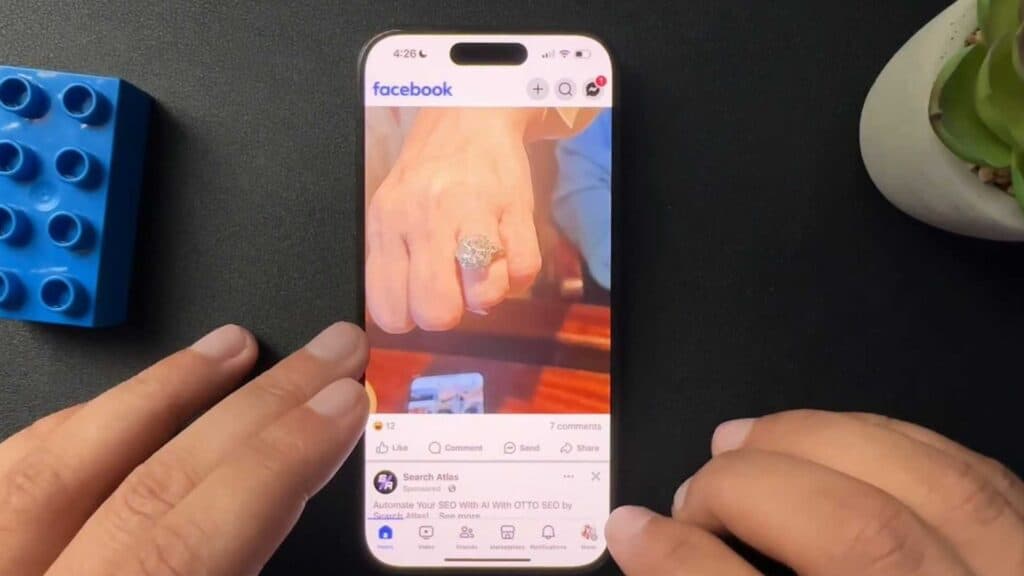
Like counts appear on your own posts and on the posts of others in your feed. You can hide these numbers by adjusting your reaction preferences.
- Open the Facebook app and navigate to your menu [0:23].
- Tap the settings option and scroll down until you reach the reaction preferences section [0:27].
- Select the options to hide likes from your own posts or to hide likes from the posts of others.
Ninja Tip: You can toggle these settings on and off as often as you like; changing your preference won’t permanently delete your interaction data, just hide the public display of those counts.
If you continue to see like counts after updating these settings, clear your app cache through Settings > Apps > Facebook > Storage > Clear Cache.
Keep Reading



