How to Force Restart Your Frozen iPhone

By Trae Jacobs,

When you buy through our links, we may earn an affiliate commission.
Your iPhone is currently frozen and will not respond to any touch commands. You can fix this by performing a forced restart on the device.
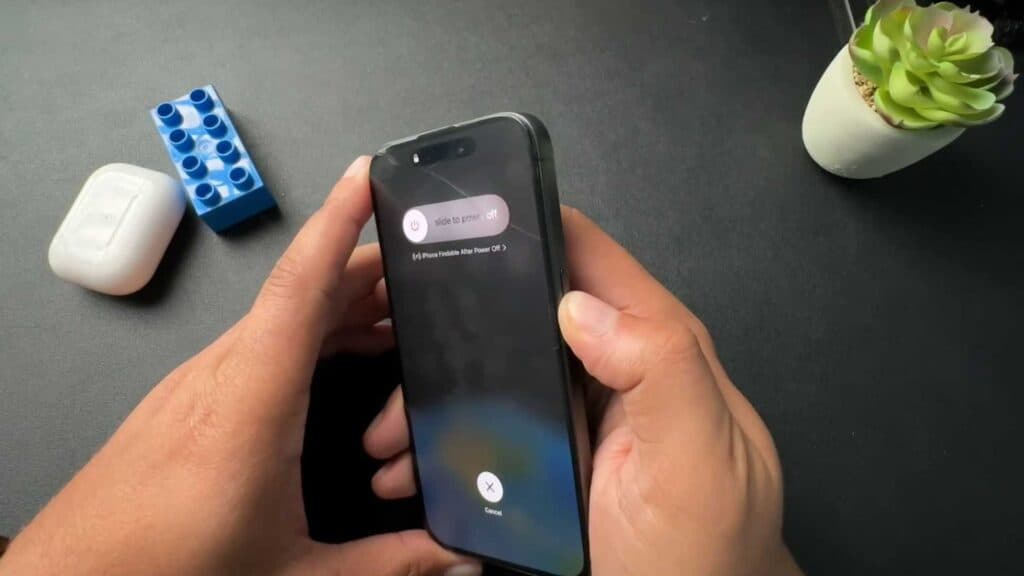
- Press the volume up button, then immediately press the volume down button, and finally press and hold the side button [0:19].
- Ignore the power slider that appears on your screen and continue holding the side button until the Apple logo appears [0:26].
- Release the button once the logo shows and wait for the phone to power back on, then enter your passcode [1:06].
- Alternatively, summon Siri by pressing and holding the side button, then tell her to restart the device and confirm your choice when prompted [1:30].
Ninja Tip: If your iPhone remains unresponsive even after a forced restart, check your charging port for lint or debris that might be preventing the device from receiving a steady power charge. Cleaning the port with a non-conductive tool often resolves persistent freezing issues caused by low battery voltage.
If the problem persists, you can perform a factory reset by navigating to Settings > General > Transfer or Reset iPhone > Erase All Content and Settings.
Keep Reading



