How to Force a Restart on Your iPhone

By Trae Jacobs,

When you buy through our links, we may earn an affiliate commission.
Your iPhone is currently unresponsive or acting buggy. You can fix this by performing a forced restart.
- Take your iPhone out of its case so you can easily reach the buttons [0:13].
- Quickly press and release the volume up button, then immediately press and release the volume down button [0:23].
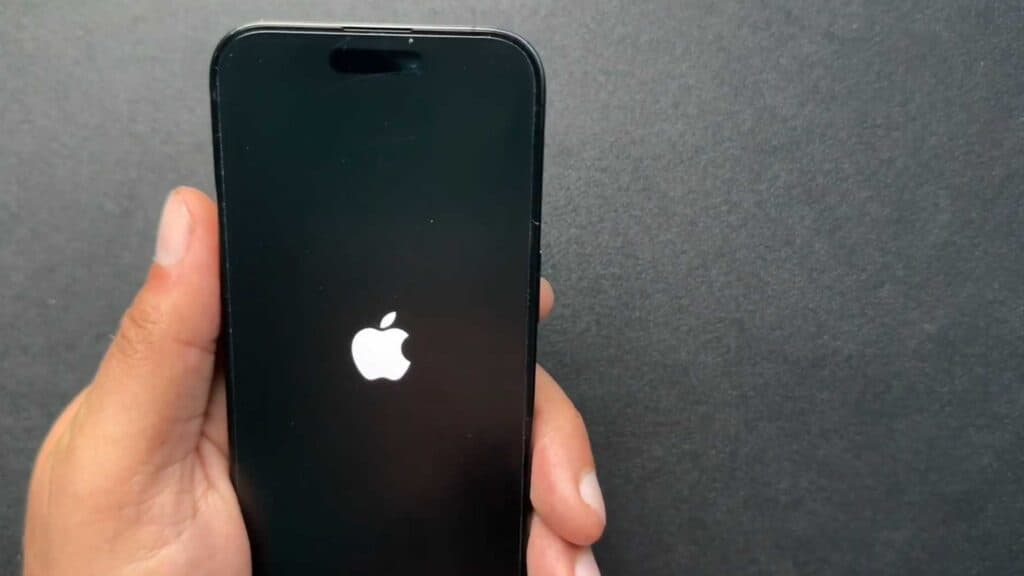
- Press and hold the side button until you see the Apple logo appear on your screen [0:31].
Ninja Tip: If your device remains unresponsive after this process, connect it to a power source for at least 30 minutes before trying the forced restart steps again.
If the problem persists, perform a factory reset via Settings > General > Transfer or Reset iPhone > Erase All Content and Settings.
Keep Reading



