How to Fix Samsung TV Error Code 110

By Trae Jacobs,

When you buy through our links, we may earn an affiliate commission.
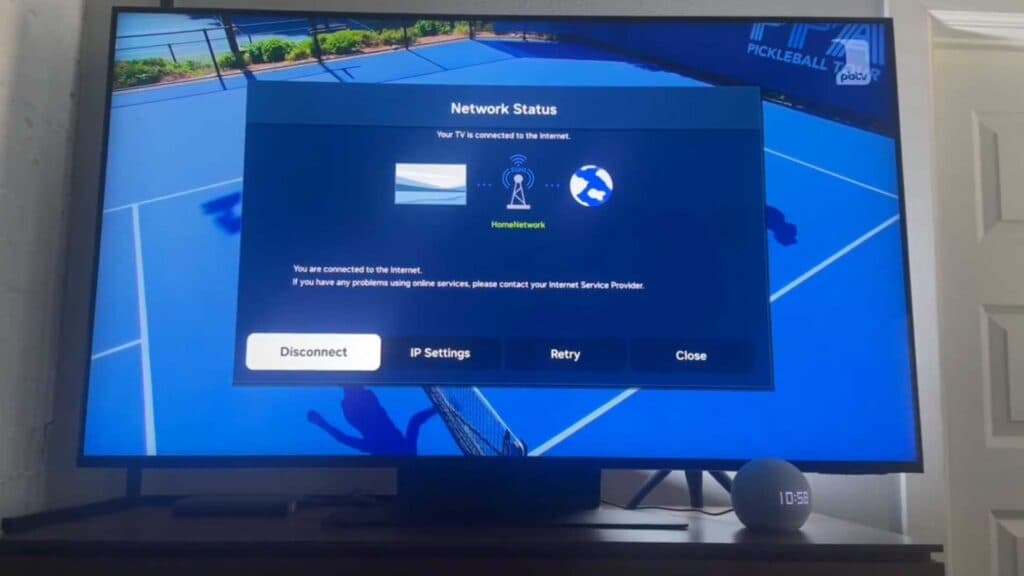
Your Samsung TV displays Error Code 110 and refuses to connect to the internet. You can resolve this connection issue by following these steps.
- Unplug your TV from the power outlet for at least one minute to discharge any electrical buildup, then plug it back in. [1:46]
- Navigate to your network settings, select disconnect, and then proceed to reconnect to your home wireless network. [2:07]
- Restart your home router using your internet provider’s app or by pressing the physical reset button on the back of the device. [2:57]
- Check your local internet status to ensure your service provider is not currently experiencing a regional outage.
Ninja Tip: Disable the firewall settings within your router’s administration panel, as strict security rules can sometimes block your TV from communicating with streaming servers.
If the connection still fails, perform a factory reset by going to General > Privacy > Reset.
Keep Reading


