How to Fix Roku Apps That Keep Crashing

By Trae Jacobs,

When you buy through our links, we may earn an affiliate commission.
Your Roku apps keep shutting down and returning to the home screen. You can resolve these performance issues by following a few simple steps.
- Clear your Roku’s cache by pressing the Home button 5 times, Up once, Rewind twice, and Fast Forward twice on your remote. [0:41]
- If a single app is crashing, remove it by highlighting the app, pressing the star button, and selecting Remove app. [2:24]
- Reinstall the app by searching for it in the store and adding it back to your device. [2:37]
- Check for any pending software updates by navigating to Settings, then System, then Software update.
Ninja Tip: Check your internet connection by navigating to Settings > Network > Check connection, as a weak or unstable Wi-Fi signal often causes streaming apps to time out and crash.
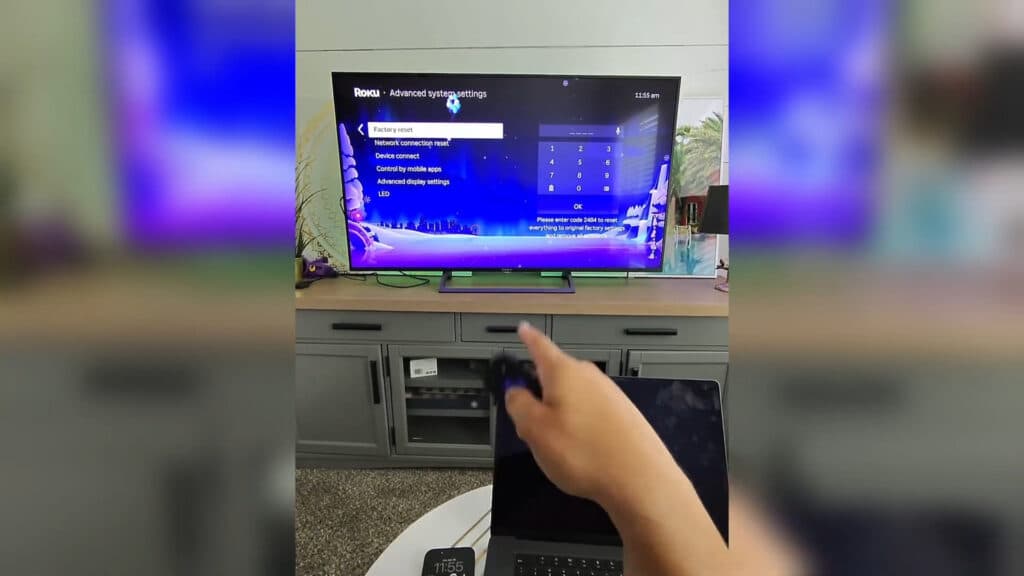
As a last resort, you can perform a full factory reset by going to Settings > System > Advanced system settings > Factory reset.
Keep Reading



