How to Fix No Sound on Your Roku Device

By Trae Jacobs,
When you buy through our links, we may earn an affiliate commission.
Your Roku device is showing video but there is no sound coming from your TV. You can follow these steps to restore your audio.
- Check your TV remote to make sure the volume is turned up or unmuted. [0:09]
- Unplug your Roku device from the power source, wait 60 seconds, and plug it back in. [0:42]
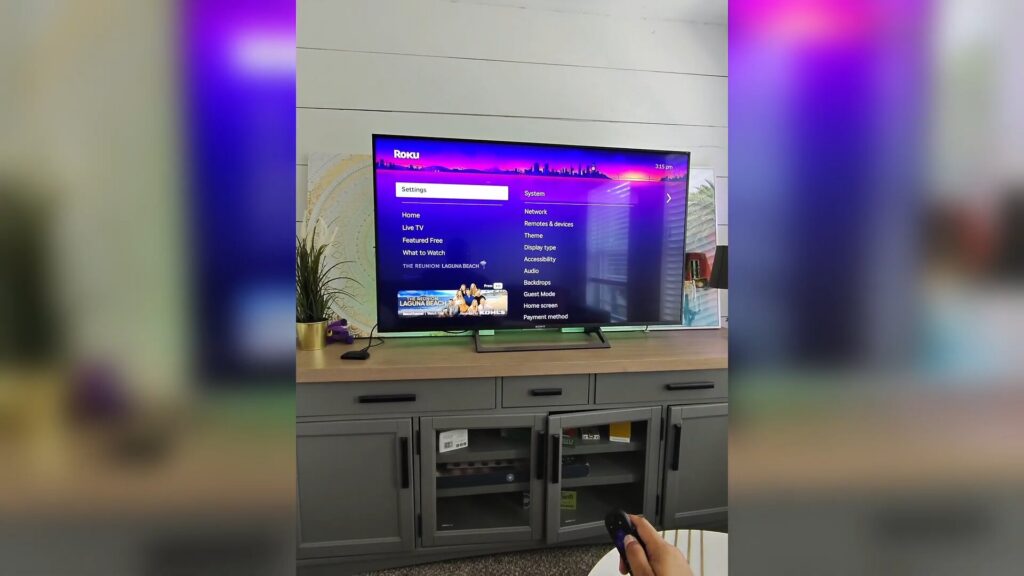
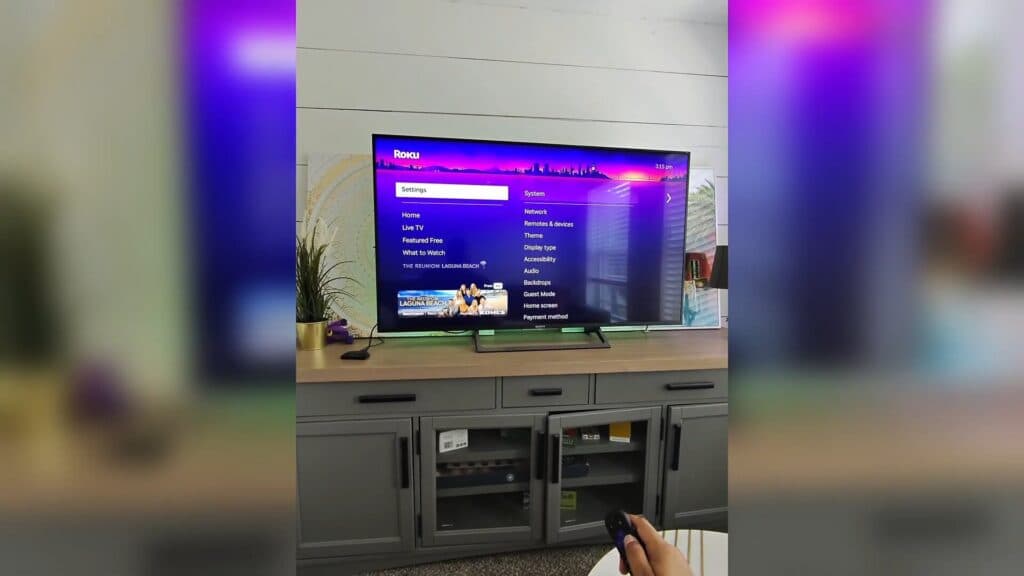
- If a physical power cycle does not work, perform a system restart by navigating to Settings > System > Power > System restart. [0:50]
- Check your Bluetooth settings to ensure no external speakers or headphones are accidentally connected to your Roku. [1:18]
- Go to your audio settings and change the digital output format from Auto to Stereo to see if that resolves the connection issue.
Ninja Tip: Try swapping your HDMI cable for a different one or plugging it into a different HDMI port on your TV, as a faulty cable or port is a common culprit for digital audio handshake failures.
If these steps do not resolve the issue, you can perform a full factory reset by going to Settings > System > Advanced system settings > Factory reset.
Keep Reading



