How to Fix No Sound on Your Google TV

By Trae Jacobs,

When you buy through our links, we may earn an affiliate commission.
Your Google TV has no sound. You can restore your audio by following these troubleshooting steps.
- Check your remote and ensure the volume is turned up. [0:23]
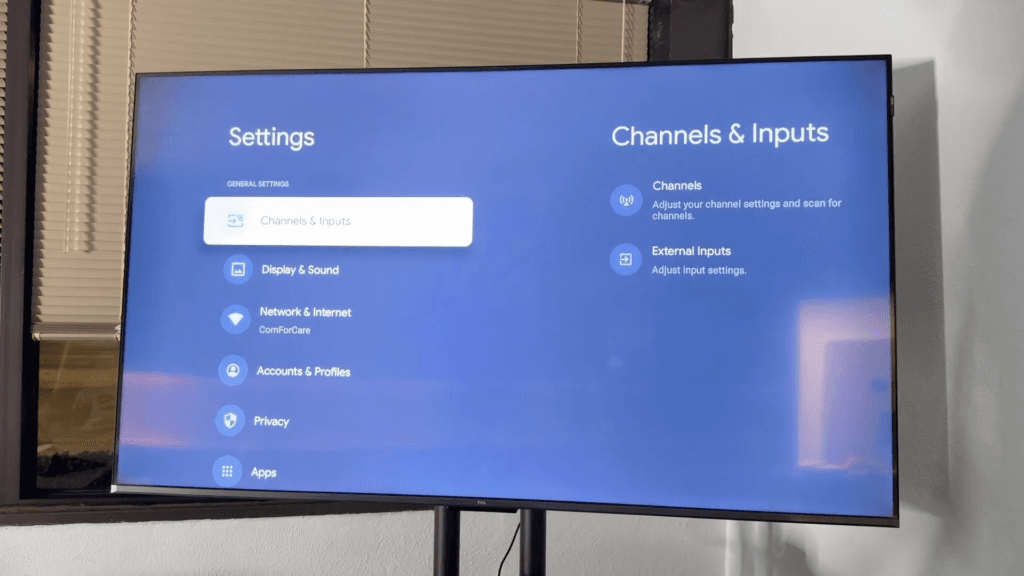
- Navigate to Settings > Display and sound > Audio output and toggle between the available speaker options to reset the connection. [0:53]
- If you use an external soundbar or speaker system, confirm it is connected correctly via the HDMI ARC port. [1:42]
- Go to Settings > System and select Restart to power-cycle your TV. [2:00]
- Unplug the TV from the wall outlet for 60 seconds to clear any electrical buildup. [2:17]
- If the audio is still missing, leave the TV unplugged overnight to allow the system to fully reset. [2:48]
- Go to Settings > Remotes and accessories and ensure your Bluetooth devices are correctly paired or disconnected if they are interfering. [3:34]
- Visit Settings > System > Advanced settings > External device controls to toggle your CEC settings off and back on. [4:12]
- Go to Settings > Apps > See all apps and clear the cache for your most frequently used streaming applications.
Ninja Tip: Check for any pending firmware updates in your system settings, as outdated software is a frequent culprit for persistent audio handshake issues between devices.
If you still have no sound, you can perform a factory reset by navigating to Settings > System > About >
Keep Reading

