How to Fix “Message blocking is active” on iPhone

By Trae Jacobs,

When you buy through our links, we may earn an affiliate commission.
Your iPhone displays the Message blocking is active error when you try to send a text. You can resolve this issue by following the steps below.
- Check the contact you are trying to reach to see if they are accidentally blocked on your device [2:05].
- Restart your iPhone to clear any temporary software glitches.
- Verify that there is no outage affecting your carrier network.
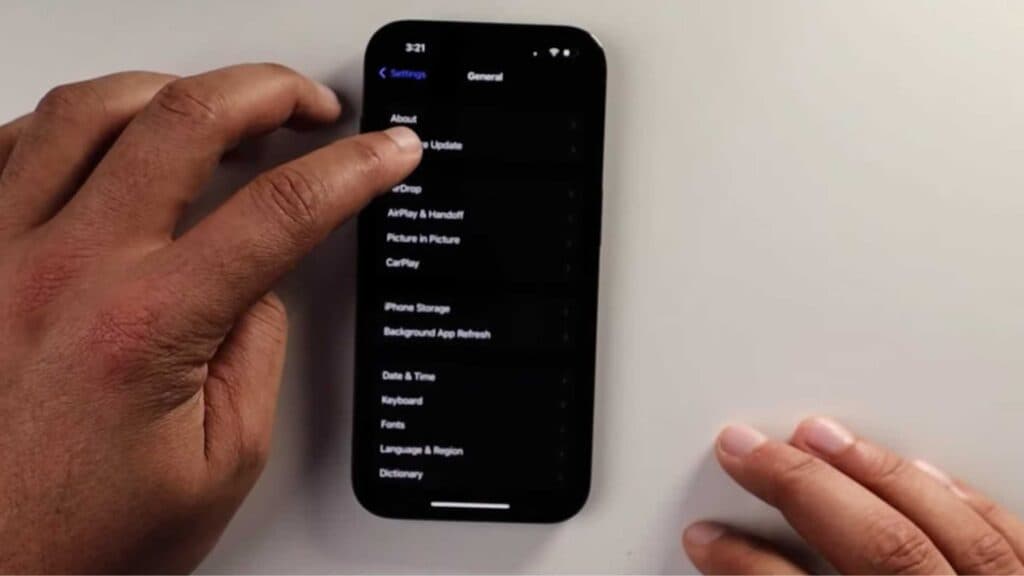
- Update your iPhone software by going to Settings > General > Software Update [2:59].
- Inspect your SIM card for physical damage and contact your carrier for a replacement if it is defective.
Ninja Tip: Toggle your Airplane Mode on for ten seconds and then off again to force your phone to re-establish a fresh connection with your carrier towers.
If the problem persists, perform a network reset by navigating to Settings > General > Transfer or Reset iPhone > Reset > Reset Network Settings.
Keep Reading



