How to Fix Instagram Vanish Mode Not Working

By Trae Jacobs,

When you buy through our links, we may earn an affiliate commission.
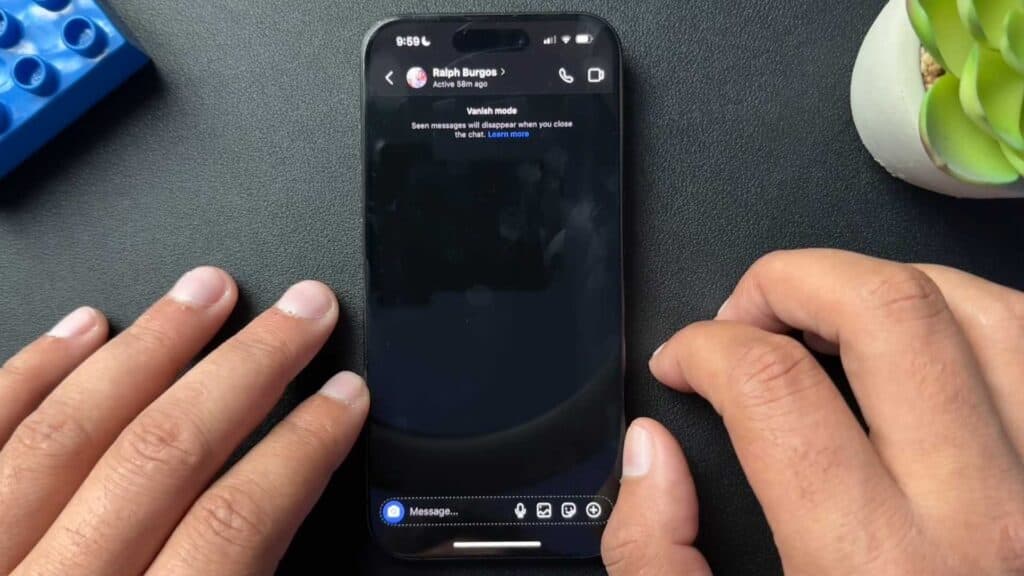
Your Instagram account cannot receive messages in vanish mode. You can resolve this issue by switching your account back to a personal profile.
- Open your Instagram profile page and tap on the professional dashboard option to view your account settings [0:52].
- Tap the settings wheel icon located at the top of your screen [1:00].
- Select “Switch account type” and choose to change your profile to a personal account [1:05].
- Confirm your selection to finalize the change, which will remove your professional analytics and enable standard messaging features.
Ninja Tip: If vanish mode still doesn’t work after switching to a personal account, ensure that both you and the other person are actively following each other to prevent messages from being filtered into the message request folder.
If you continue to experience issues, you can try reinstalling the app or clearing your cache via Settings > Apps > Instagram > Storage > Clear Cache.
Keep Reading



