How to Fix HP DeskJet 4100 Series Paper Feed Issues

By Trae Jacobs,

When you buy through our links, we may earn an affiliate commission.
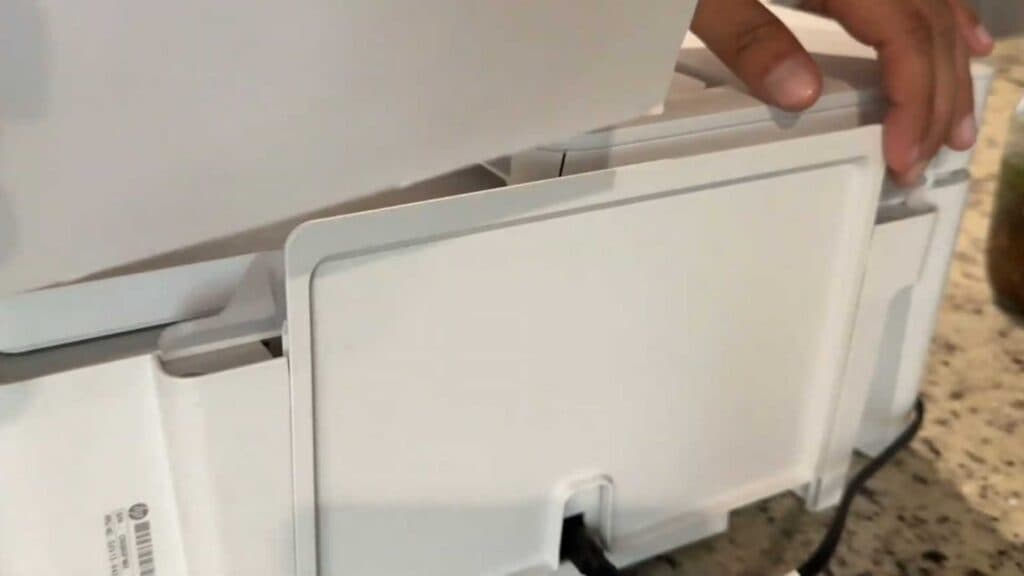
Your HP DeskJet printer is failing to pull paper into the feeder straight, causing alignment errors. You can resolve this issue by correctly preparing your printer’s paper tray.
- Locate the back panel on your printer and lift it up until it clicks into position to form an upright paper tray [0:44].
- Insert your paper into this newly extended tray so it feeds into the machine perfectly every time.
Ninja Tip: Always slide the plastic paper width guide over until it rests snugly against the edge of your paper stack to prevent the sheets from shifting during the print process.
If the printer still refuses to pull paper, navigate to your printer control panel and select Setup > Tools > Clean Printhead to ensure no debris is obstructing the internal path.
Keep Reading


