How to Disable Personalized Ads on Google TV

By Trae Jacobs,

When you buy through our links, we may earn an affiliate commission.
Your Google TV tracks your viewing habits to show you targeted advertisements. You can adjust your privacy settings to stop this tracking.
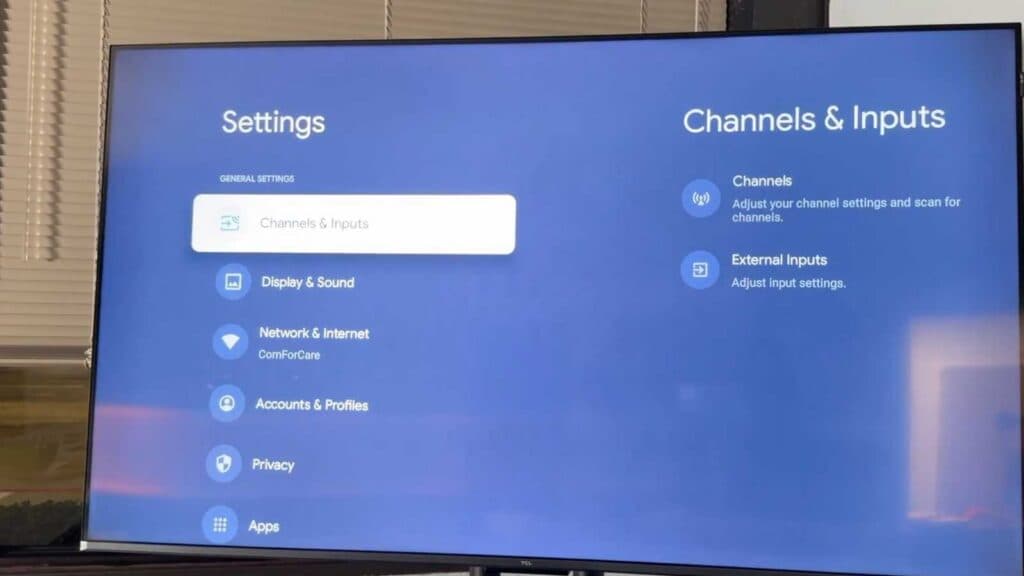
- Open your TV’s settings by navigating to the gear icon from your home screen [0:49].
- Scroll down and select Privacy [1:00].
- Select the Ads menu to see your tracking options [1:08].
- Choose “Delete advertising ID” to prevent apps from using your unique ID for targeted ads [1:14].
Ninja Tip: Check your TV manufacturer’s own settings menu—often found under “System” or “Network”—to disable “ACR” (Automatic Content Recognition), which tracks what you watch through the TV’s hardware independently of Google.
If you want to start fresh with your device, you can perform a factory reset by navigating to Settings > System > About > Reset > Factory reset.
Keep Reading



