How to Fix an Unresponsive LG TV Remote

By Trae Jacobs,

When you buy through our links, we may earn an affiliate commission.
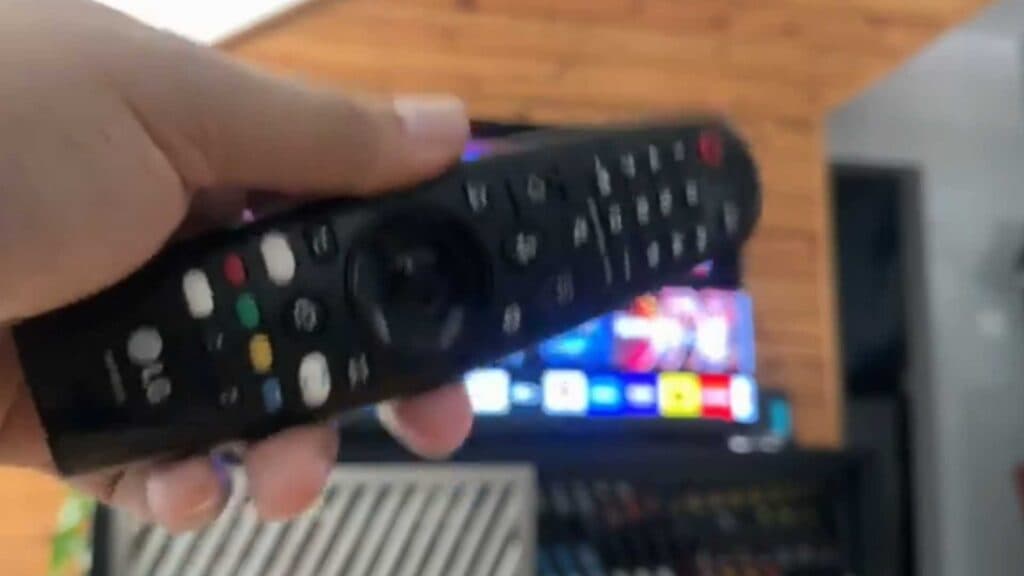
Your LG TV remote is not responding to your commands. You can get everything working again by following these simple troubleshooting steps.
- Remove the batteries from the remote and press the buttons a few times to clear any electrical buildup, then insert fresh batteries [0:21].
- Make sure there are no physical obstructions blocking the sensor area on the TV so the remote has a clear line of sight [0:46].
- Unplug your TV from the power outlet for one to two minutes to let the system reset, then plug it back in [1:03].
- Press and hold the Home and Back buttons on your remote until the TV confirms it has disconnected [1:23].
- Press the track wheel or OK button on the remote to re-register it with your TV.
- If the remote is still not working, consider purchasing an inexpensive universal remote as a reliable backup.
Ninja Tip: You can often control your LG TV without a remote by downloading the LG ThinQ app on your smartphone, which functions as a full-featured virtual remote over your home Wi-Fi network.
If the remote still fails to respond, you can perform a full factory reset through Settings > Support > Reset to Initial Settings.
Keep Reading


