How to Fix an LG TV That Turns On With a Black Screen

By Trae Jacobs,

When you buy through our links, we may earn an affiliate commission.
Your LG TV turns on but the screen stays black. You can resolve this issue by following these steps.
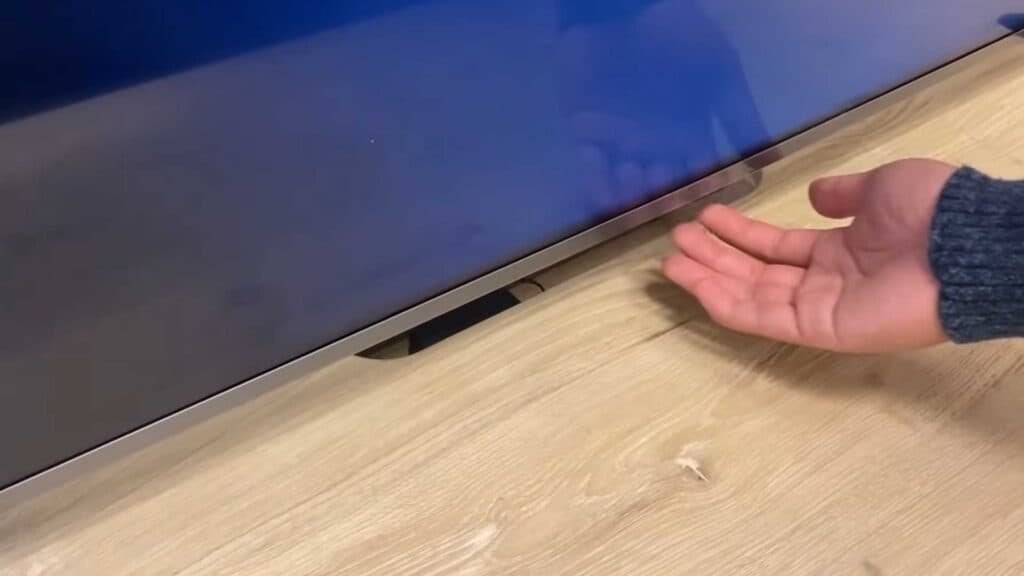
- Unplug the TV from the wall for 60 seconds, remove the batteries from your remote, and then turn the TV back on using the physical power button [0:19].
- Verify all cables are securely connected and try moving your HDMI cables to a different slot [0:59].
- Unplug the TV and hold the power button on the remote for 30 seconds to perform a complete reset [1:20].
- Contact a professional tech support service for additional help with your troubleshooting.
Ninja Tip: Check if your TV is still outputting sound by pressing the volume buttons, as this helps distinguish between a backlight failure and a source signal issue.
Perform a full factory reset by navigating to Settings > General > Reset to Initial Settings.
Keep Reading

