How to Fix an HP Printer That Isn’t Showing Up in the HP Smart App

By Trae Jacobs,

When you buy through our links, we may earn an affiliate commission.
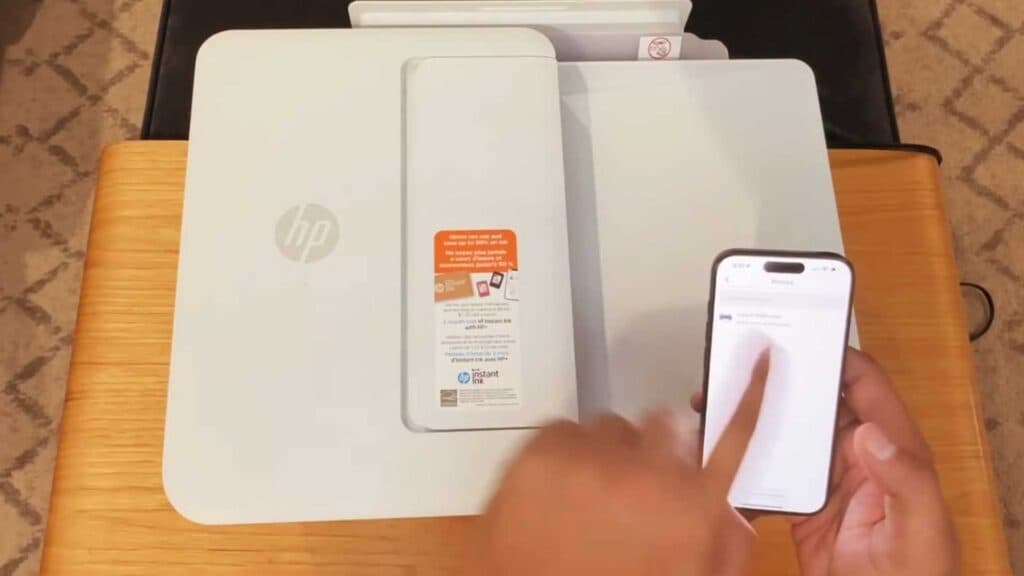
Your HP printer does not appear in the HP Smart app when you try to connect it to your Wi-Fi network. You can resolve this connection issue by following this simple physical reset procedure.
- Open the lid of your printer for a second, then close it again [0:35].
- Check the HP Smart app to see if your printer now appears.
Ninja Tip: If opening the lid does not work, power cycle your printer by unplugging it from the wall while it is turned on, waiting 60 seconds, and plugging it back in to force the network card to re-initialize.
If the printer still fails to connect, perform a factory reset by navigating to Settings > Printer Maintenance > Restore > Restore Factory Defaults.
Keep Reading



