How to Fix an Ecobee Thermostat Stuck on Calibrating

By Trae Jacobs,

When you buy through our links, we may earn an affiliate commission.
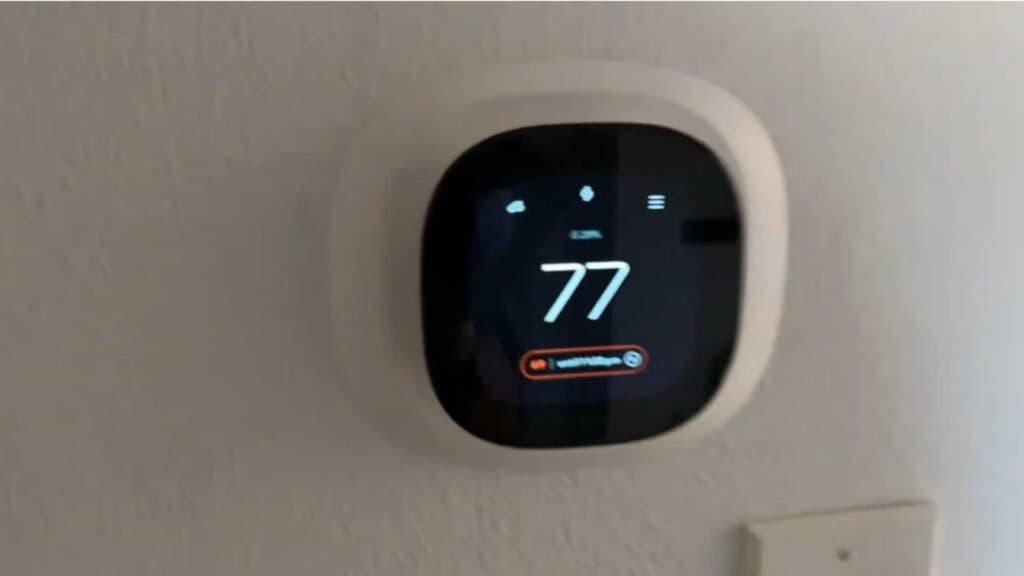
Your Ecobee thermostat currently displays a calibrating message that keeps your heating or cooling system from turning on. You can resolve this issue by following these simple troubleshooting steps.
- Replace your air filter if it looks dirty or clogged, as restricted airflow can force your system to overheat and trigger a reboot. [0:19]
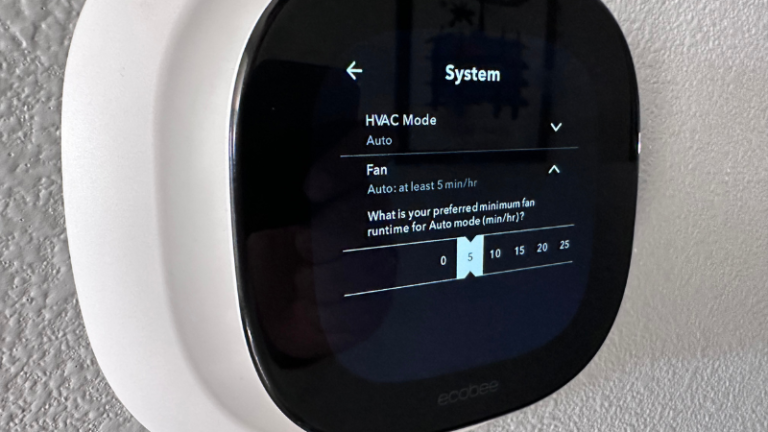
- Open the Settings menu directly on your thermostat screen. [1:00]
- Scroll down and select Settings again. [1:07]
- Tap on Installation Settings to access your equipment configuration. [1:14]
- Select the Equipment menu. [1:17]
- Choose Furnace fan control and set the heat mode to HVAC.
Ninja Tip: If the calibration persists, check the condensate drain line on your AC unit for clogs, as a triggered float switch will cut power to your thermostat and cause it to restart repeatedly. You can also verify that your C-wire connection is secure, as an intermittent power supply is a frequent cause of unexpected reboots.
If the problem continues, perform a factory reset by navigating to Main Menu > Settings > Reset.
Keep Reading