How to Fix a Slow Google TV

By Trae Jacobs,

When you buy through our links, we may earn an affiliate commission.
Your Google TV is running slow and struggling to keep up with your apps. You can speed up your system performance by following these steps.
- Restart your television through the system settings to clear out the RAM and free up background processes [0:34].
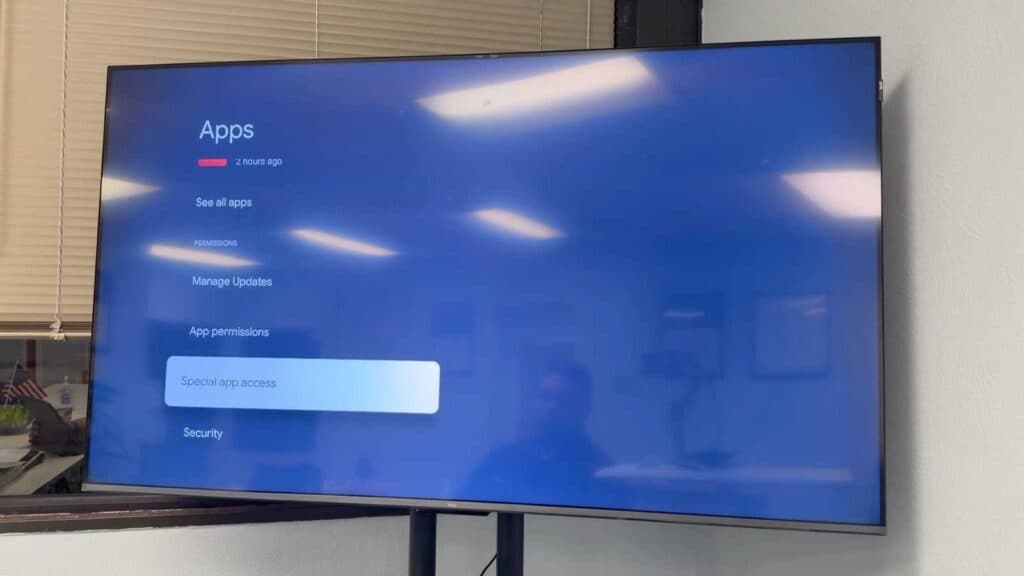
- Navigate to your apps list to clear the cache for your most frequently used streaming services like Disney Plus or Hulu b
- Uninstall any unused apps to reclaim valuable storage space on your device [2:03].
- Check your available storage in the system menu to ensure you have enough room for the system to operate smoothly [2:34].
- Move your TV to an area with better airflow to prevent heat from causing the internal processor to throttle performance [3:21].
- Locate and disable the HDMI CEC setting in your advanced system controls to stop unnecessary remote signal processing [4:43].
- Unplug the TV from the wall power outlet for 60 seconds to dissipate any residual electrical buildup before plugging it back in.
Ninja Tip: Disable the “Live” or “Recommendations” rows on your home screen by going to your account profile settings and selecting “Apps only mode.” This significantly reduces the amount of background data your TV needs to load every time you turn it on.
For a final resort, perform a factory reset by navigating to Settings > System > About > Reset.
Keep Reading



