How to Fix a Samsung TV Remote That Is Not Working

By Trae Jacobs,

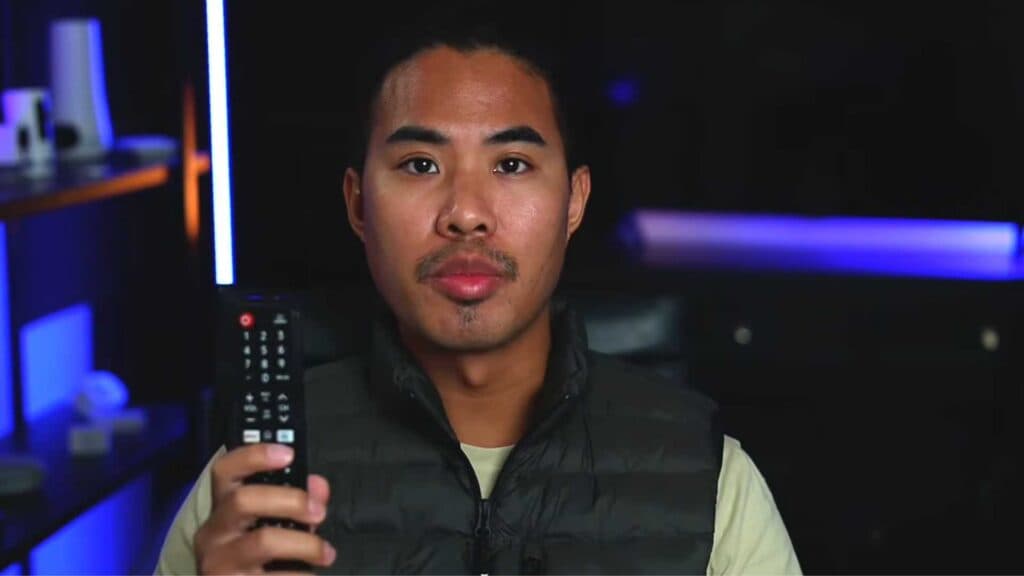
When you buy through our links, we may earn an affiliate commission.
Your Samsung TV remote is not responding to your commands. You can fix this issue by following these steps.
- Replace the batteries with fresh ones and ensure they are inserted with the correct polarity [0:11].
- Check the metal battery contacts to ensure they are not compressed or corroded, which can block power [0:42].
- Perform a hard reset by removing the batteries, unplugging the TV for 60 seconds, and holding the TV power button for 20 seconds [1:26].
- Verify your remote’s IR signal by pointing it at a smartphone camera; you should see a flickering red light on the screen when you press buttons [2:14].
- Clean the IR sensor on both the remote and the bottom of your TV to remove any dust or gunk [2:55].
- Clear any physical objects that are blocking the line of sight between the remote and your TV [3:07].
- Re-pair your remote by holding the return and play buttons simultaneously while pointing at the TV [4:06].
- Restart your internet router to refresh the network connection in case the TV’s software is causing communication errors [4:46].
- Download the Samsung SmartThings app on your phone to use it as a temporary remote if your physical controller is permanently faulty.
Ninja Tip: Check if your remote is stuck in Bluetooth mode by unpairing it in your TV’s Connection Settings and forcing it to reconnect as a new device.
If the remote still fails, perform a factory reset by navigating to Settings > General > Reset.
Keep Reading



