How to Fix a Samsung TV Blinking Red Light

By Trae Jacobs,

When you buy through our links, we may earn an affiliate commission.
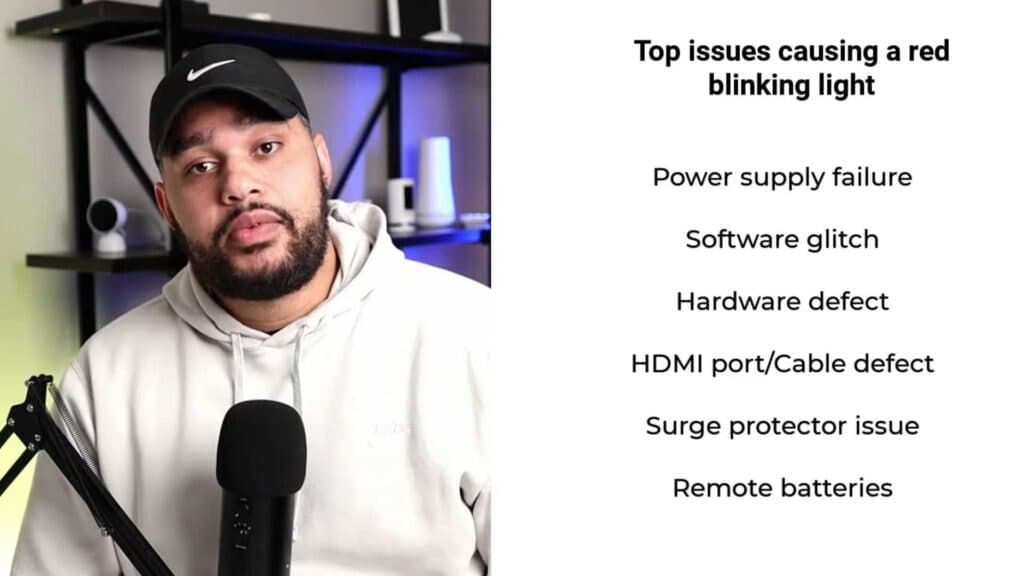
Your Samsung TV displays a flashing red light and refuses to power on. You can troubleshoot and resolve this issue with a few simple steps.
- Perform a cold boot by holding the power button on your remote until the TV turns off and restarts [1:04].
- Replace the batteries in your remote control to rule out a power signal error [1:40].
- Inspect the screen and HDMI ports for any physical damage [1:57].
- Remove all HDMI cables, clean the connectors if needed, and reconnect them to check for a stable connection [2:11].
- Plug your TV into a different wall outlet to verify the current one is supplying power [2:27].
- Check your surge protector and replace it if it is older than three to five years [2:43].
- Navigate to Settings > General to check for and install any available software updates [3:03].
- Contact Samsung support to see if your device is still under warranty for a repair or replacement.
Ninja Tip: Check for stuck buttons on the TV’s physical control panel, as a jammed key can mimic a power failure by sending a continuous off-signal.
If the problem persists, perform a factory reset via Settings > Support > Self Diagnosis > Reset.
Keep Reading


