How to Fix a Roku TV That Won’t Update

By Trae Jacobs,
When you buy through our links, we may earn an affiliate commission.
Your Roku TV is currently failing to download system updates or getting stuck in an update loop. You can fix this issue by stabilizing your network connection.
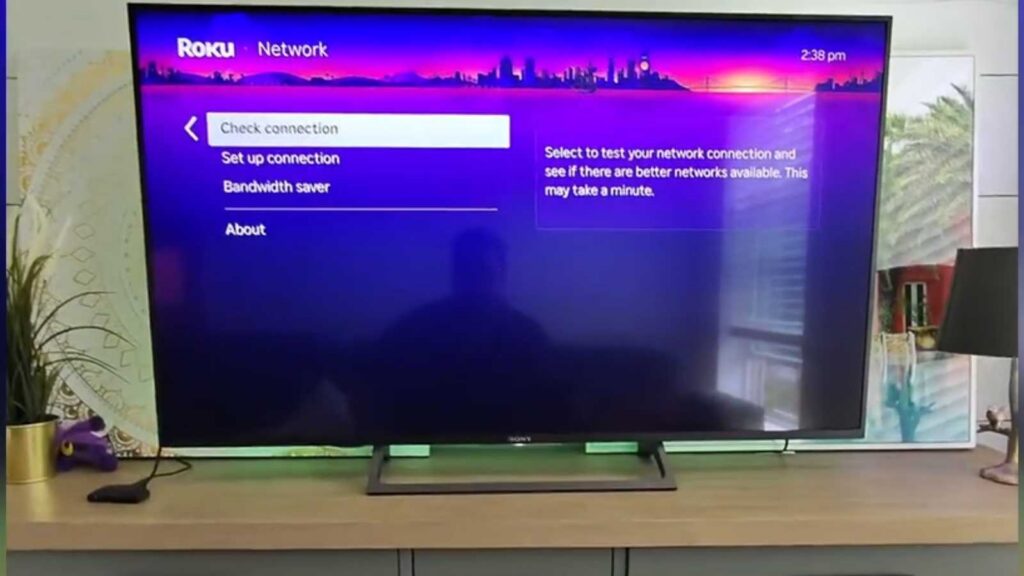
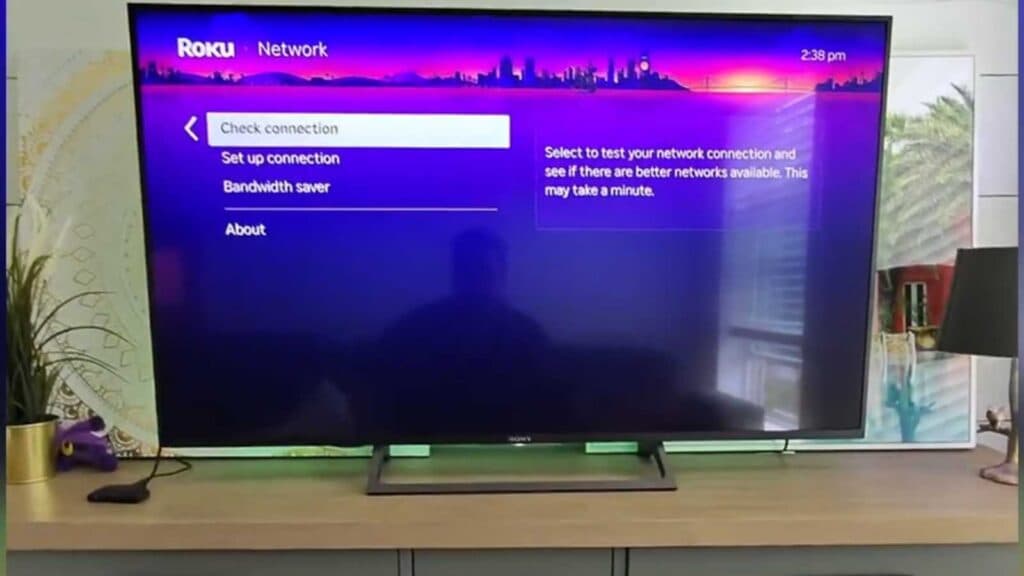
- Check your Roku’s network strength by navigating to Settings, selecting Network, and choosing Check connection [0:36].
- Power cycle your router to refresh your Wi-Fi signal using the device’s physical button or your router’s mobile app [0:55].
- Connect your Roku device directly to your router with an Ethernet cable if a wireless connection remains unstable [1:13].
Ninja Tip: If updates still fail, try manually updating your device by going to Settings > System > System update > Check now to force the Roku to reach out to the servers again.
If these steps do not resolve the update error, perform a factory reset by navigating to Settings > System > Advanced system settings > Factory reset.
Keep Reading



