How to Fix a Roku TV That Won’t Connect to Wi-Fi

By Trae Jacobs,

When you buy through our links, we may earn an affiliate commission.
Your Roku TV is not connecting to your home wireless network. You can restore your connection by following these steps.
- Go to your Roku settings, select Network, and try to scan for your wireless network again to join it. [0:16]
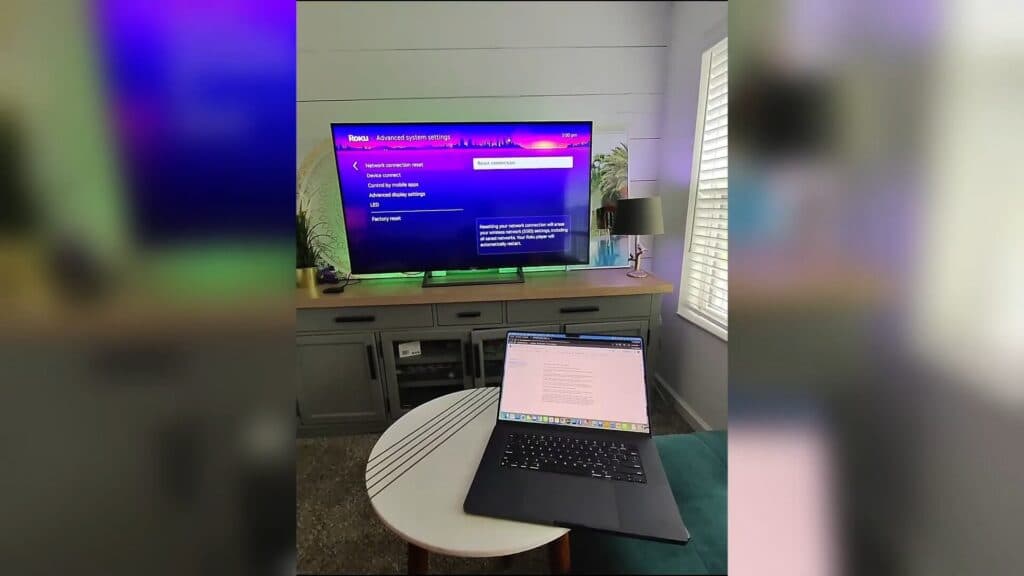
- Reset your network connection by navigating to Settings > System > Advanced system settings > Network connection reset. [0:51]
- Move your wireless router closer to the TV if it is currently located too far away or behind thick walls. [1:40]
- Log into your router’s administrative app or web interface to turn off band steering, which is sometimes labeled as client steering in advanced networking settings.
Ninja Tip: Check if your router has a dedicated 2.4GHz guest network and try connecting your Roku to that instead, as 2.4GHz signals travel through walls much better than 5GHz signals.
As a final resort, perform a factory reset by navigating to Settings > System > Advanced system settings > Factory reset.
Keep Reading



