How to Fix a Roku That Won’t Turn On

By Trae Jacobs,

When you buy through our links, we may earn an affiliate commission.
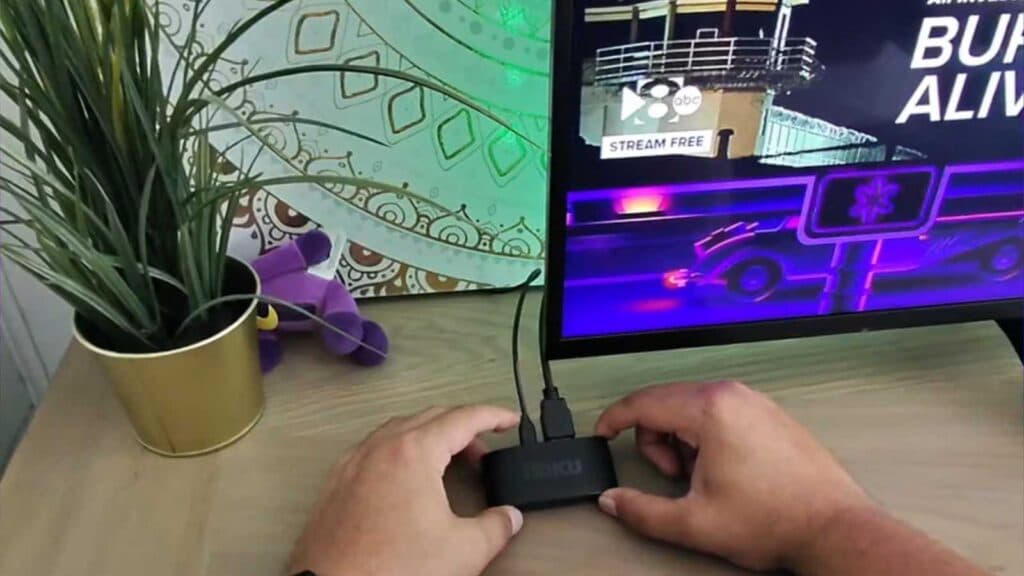
Your Roku device is not turning on and remains unresponsive. You can resolve this power issue by following these steps.
- Plug your Roku device directly into a wall outlet instead of using your TV’s USB port to ensure it receives consistent power [0:18].
- Inspect your power cords for any visible damage and replace them if necessary [0:43].
- Use a shorter power cable if you are already connected to a wall outlet, as long cords often lose voltage before reaching the device.
Ninja Tip: If your Roku is still unresponsive, try unplugging it from the power source for at least 60 seconds before plugging it back in to perform a hard power cycle.
If these steps do not work, you can perform a factory reset by navigating to Settings > System > Advanced system settings > Factory reset.
Keep Reading



