How to Fix a Roku That Keeps Disconnecting from Wi-Fi

By Trae Jacobs,

When you buy through our links, we may earn an affiliate commission.
Your Roku device disconnects from your home network. You can stabilize this connection by following a few simple troubleshooting steps.
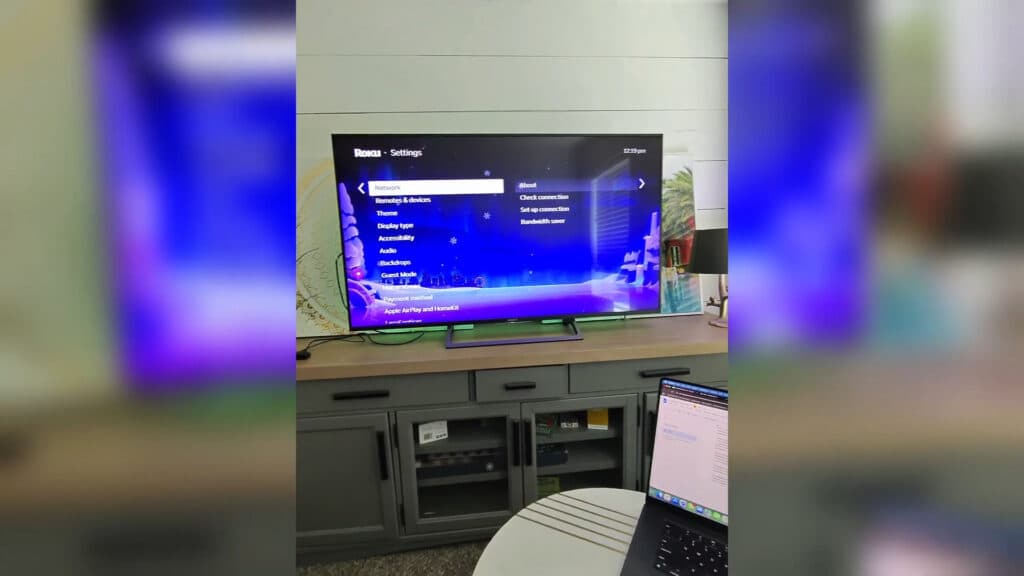
- Go to your Roku settings, select Network, and run a connection check to see if your signal is strong or weak. [0:35]
- Move your router closer to the TV or, if possible, connect the device directly to the router with an Ethernet cable. [0:50]
- Unplug your router from the power outlet for 30 seconds to perform a full network reset. [1:44]
- Select the appropriate frequency band for your distance; use 2.4GHz if you are more than 30 feet away, or 5GHz if you are closer. [2:06]
- Access your router settings and disable band steering so your Roku stays locked to a single frequency instead of jumping between bands.
Ninja Tip: Log into your router’s admin panel and manually set your DNS servers to Google’s (8.8.8.8 and 8.8.4.4) or Cloudflare’s (1.1.1.1) to resolve potential communication issues between your device and the internet.
If the connection issues persist, perform a factory reset by navigating to Settings > System > Advanced system settings > Factory reset.
Keep Reading



