How to Fix a Roku Stuck on the Setup Screen

By Trae Jacobs,
When you buy through our links, we may earn an affiliate commission.
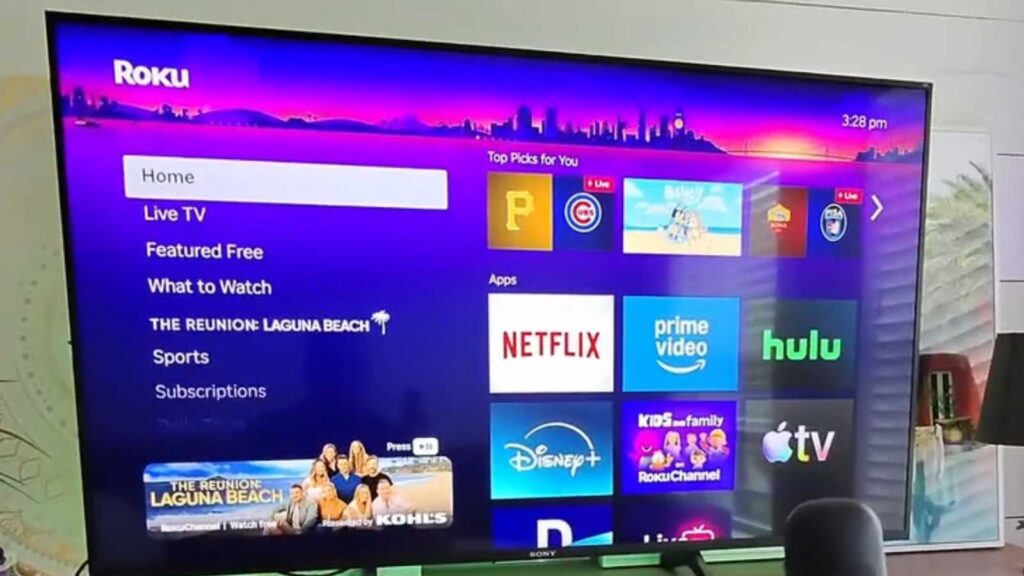
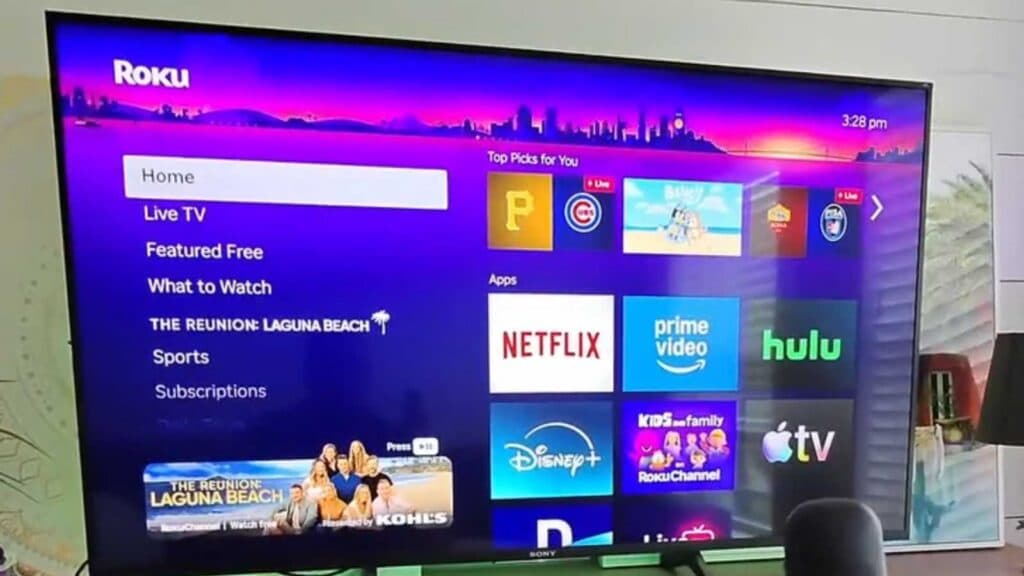
Your Roku device is frozen on the setup screen and won’t move to the next menu. You can resolve this network communication error by following these troubleshooting steps.
- Reset your router to refresh your internet connection, either by unplugging it or using your router’s mobile app [0:38].
- Move your router closer to the TV to ensure your Roku is getting a strong signal.
- Turn on your phone’s mobile hotspot and try connecting your Roku to that network instead of your home Wi-Fi [1:01]. If the setup proceeds, you know the issue lies with your home network configuration.
- Avoid using guest networks or networks with active filters, as these often block the server connections needed to complete the setup.
Ninja Tip: If you’re still having trouble, check your Wi-Fi password for special characters like symbols or emojis, as some older Roku firmware versions struggle to process these during the initial login.
If these steps do not clear the screen, you can perform a factory reset by pressing and holding the physical reset button on the back or bottom of your device for 20 seconds.
Keep Reading



