How to Fix a Roku Overheating (Red Warning Light)

By Trae Jacobs,

When you buy through our links, we may earn an affiliate commission.
Your Roku device displays a red warning light because it is overheating. You can resolve this by improving the device’s ventilation and repositioning it.
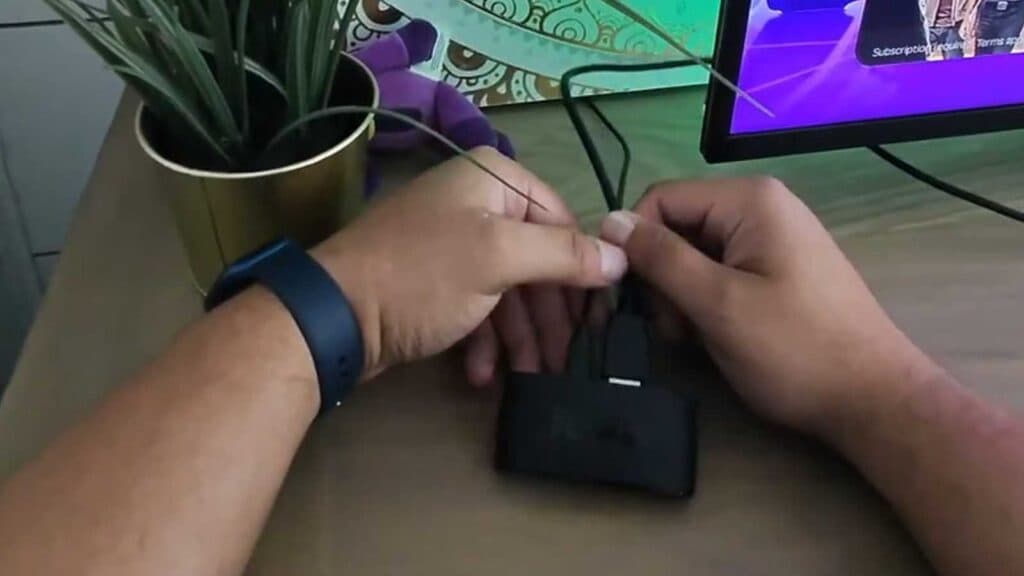
- Disconnect your Roku device from the back of the TV where it is currently installed [0:13].
- Purchase a longer HDMI cable to connect your Roku device to the TV [1:11].
- Relocate the Roku device away from the TV or any nearby wall so it has enough space to breathe [1:14].
Ninja Tip: Ensure your Roku is not placed inside a closed cabinet or directly on top of other electronics, as these areas trap heat and prevent proper airflow.
If the issue persists, perform a factory reset by going to Settings > System > Advanced system settings > Factory reset.
Keep Reading



