How to Fix a ‘No Signal’ Error on Your Google TV

By Trae Jacobs,

When you buy through our links, we may earn an affiliate commission.
Your Google TV screen displays a ‘No Signal’ error. You can fix this issue by following these steps.
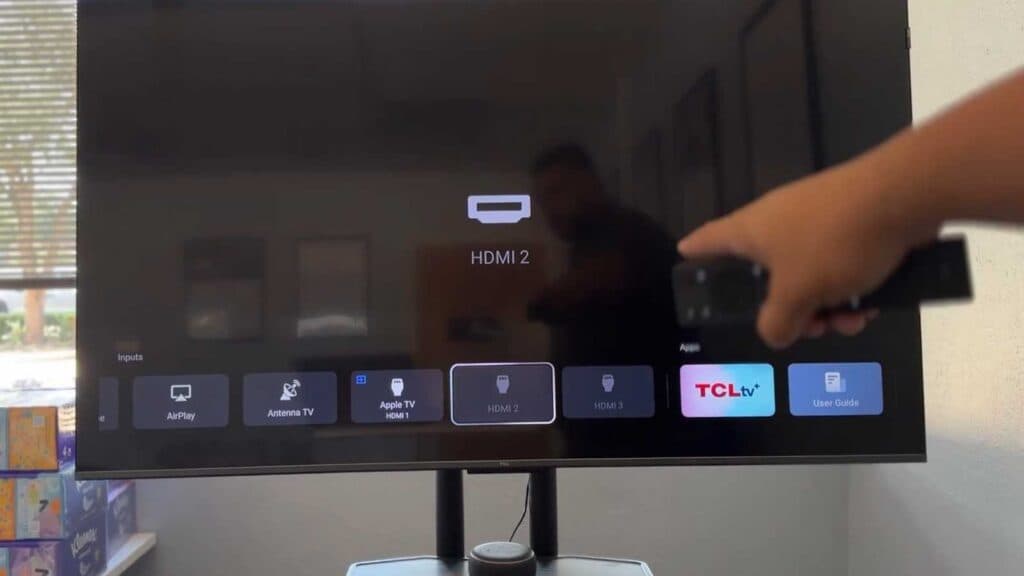
- Use your TV remote to press the Input button and cycle through your available sources to ensure you are on the correct HDMI input [0:23].
- Inspect your HDMI cable at both ends to ensure the connection is snug and the cord is free of any physical damage [1:26].
- Check your external device, such as your Apple TV or Roku, to confirm there is a power indicator light showing that the device is actually turned on [2:01].
- Perform a soft reset by unplugging your television from the power outlet for one full minute before plugging it back in [2:43].
- Restart your TV through the settings menu by navigating to Settings > System > Restart [3:14].
Ninja Tip: If you still have no signal, try swapping the HDMI cable with one you know works or move the device to a different HDMI port on your TV to rule out a faulty cable or port.
For a final resort, perform a factory reset by going to Settings > System > About > Reset.
Keep Reading



