How to Fix a Google TV That Won’t Turn On

By Trae Jacobs,

When you buy through our links, we may earn an affiliate commission.
Your Google TV is currently stuck on a black screen and refuses to power on. You can resolve this issue by following a few simple troubleshooting steps.
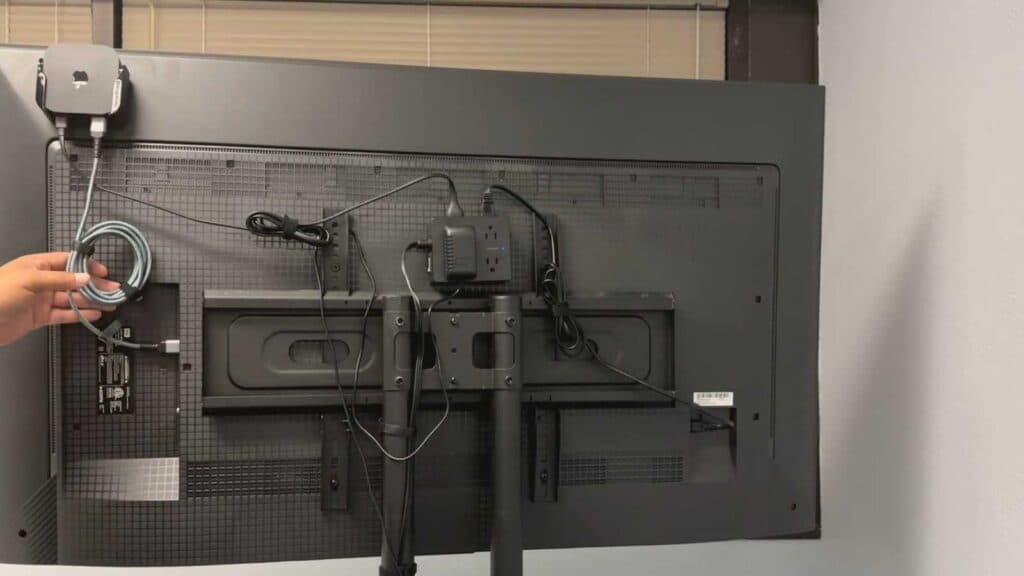
- Disconnect the power cable from your surge protector and plug it directly into a wall outlet to ensure the TV receives stable power [0:48].
- Leave the TV unplugged for a full 60 seconds to allow the system to fully power down [1:14].
- Locate the physical power button on your TV and hold it down for 30 seconds to discharge any remaining electrical buildup [1:21].
- Plug the TV back into the wall outlet and attempt to turn it on [1:48].
- Swap out your current power cord and HDMI cable with known working replacements to rule out faulty hardware [2:05].
- Check your TV’s indicator light; if it is blinking, it typically signals a power or software issue that may require further inspection [3:05].
Ninja Tip: If your TV remains unresponsive, check for any nearby devices like high-powered soundbars or game consoles that might be creating electrical interference or drawing too much power from the same outlet. Sometimes simply disconnecting all other devices from the TV’s HDMI ports can help isolate and resolve a boot loop caused by a faulty peripheral.
If the problem persists, navigate to Settings > System > About > Factory reset to restore the device to its original state.
Keep Reading



