How to Fix a Google TV Stuck on a Black Screen

By Trae Jacobs,

When you buy through our links, we may earn an affiliate commission.
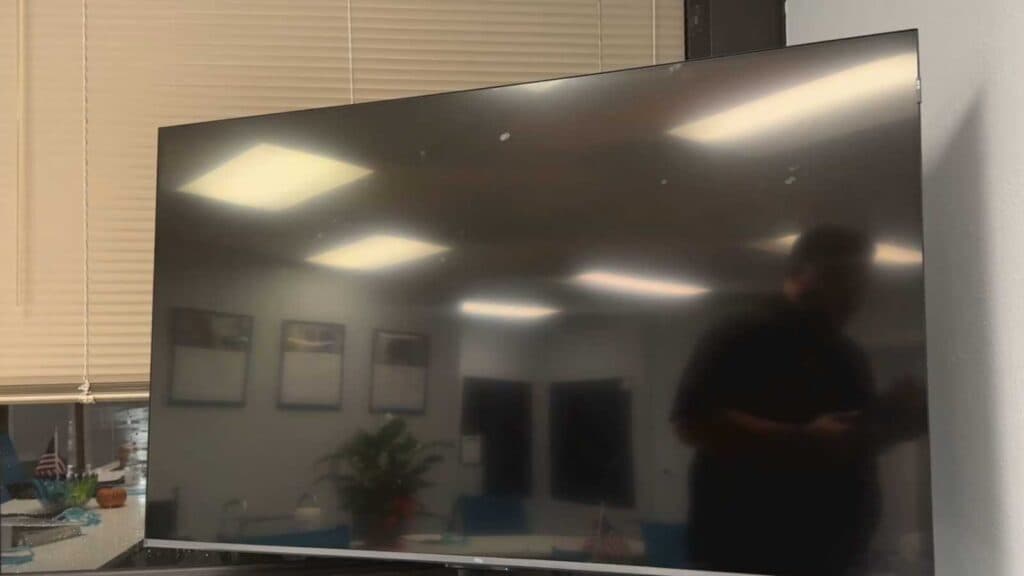
Your Google TV is currently stuck on a black screen. You can follow these steps to get your display working again.
- Disconnect all HDMI devices from your TV to rule out connection errors or handshake failures [0:52].
- Unplug the TV power cord from the wall outlet for a full 60 seconds to drain any residual electrical buildup [0:56].
- Plug the TV power cord directly into a wall outlet, bypassing any surge protectors that might be failing to deliver sufficient power [1:37].
- Perform a soft reset by pressing and holding the TV’s physical power button for 60 seconds [2:02].
- Try a remote-based reset by pressing and holding both the Power and Volume Down buttons simultaneously until you see the logo appear on your screen.
Ninja Tip: Check your TV’s status light; if it is blinking in a specific pattern, you can often look up that code on your manufacturer’s support website to identify a failing internal component like a backlight inverter or power board.
If the screen remains black, a final resort is performing a factory reset by navigating to Settings > System >
Keep Reading

