How to Fix a GMC or Chevrolet App That Won’t Open

By Trae Jacobs,

When you buy through our links, we may earn an affiliate commission.
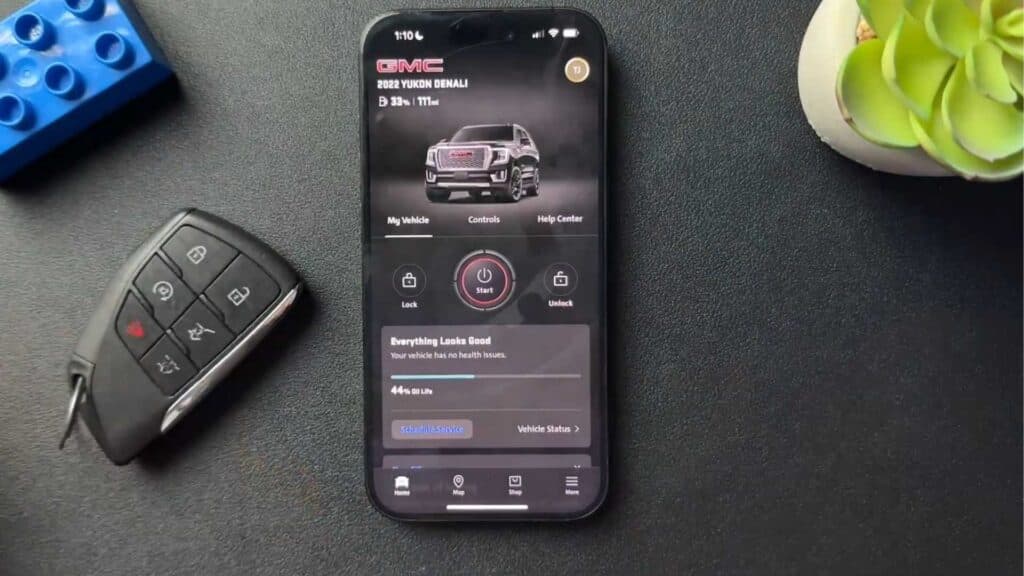
The GMC or Chevrolet mobile app crashes immediately after you try to launch it on your phone. You can resolve this issue by reinstalling the application.
- Delete the app from your phone by pressing and holding the app icon, then selecting the option to remove it completely [0:33].
- Reinstall the app by heading to the App Store, downloading it fresh, and logging back into your account.
Ninja Tip: Check your phone’s system settings to ensure your operating system is fully updated, as an outdated version of iOS or Android can often cause compatibility conflicts with modern vehicle apps.
If the issue persists, perform a full device restart by powering your phone off and on again.
Keep Reading


