How to Fix a Frozen YouTube App on Your Smart TV

By Trae Jacobs,

When you buy through our links, we may earn an affiliate commission.
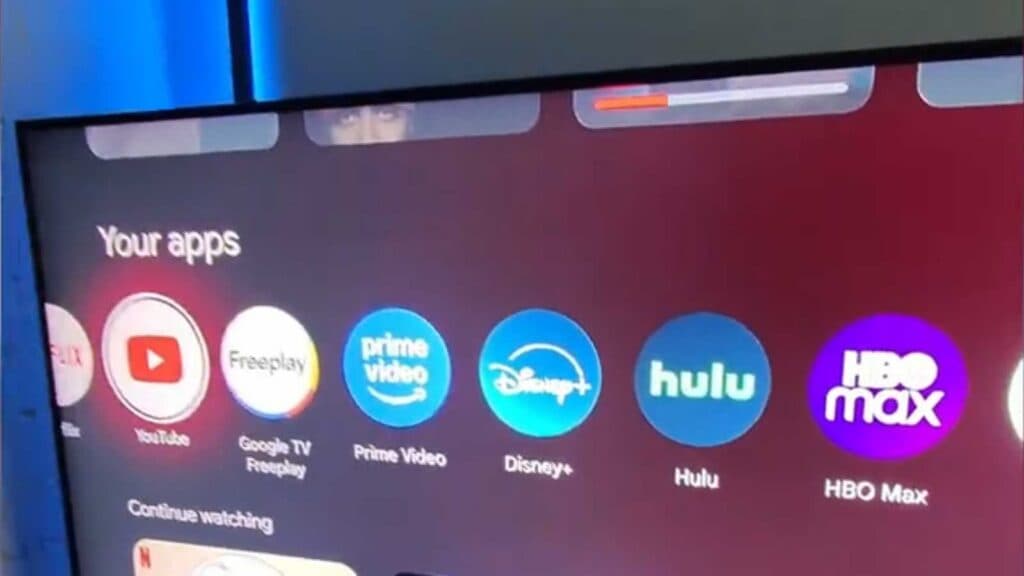
Your YouTube app is frozen on the startup screen right now. You can fix this issue by following a few simple troubleshooting steps.
- Force stop the YouTube app and clear its cache to free up temporary storage space [0:48].
- Check your TV settings to ensure the system firmware is fully updated [1:28].
- Uninstall the YouTube app entirely and then reinstall it, provided your TV model supports app removal [1:46].
- Power cycle your TV by holding down the power button until the unit turns off, then unplug it from the wall for [1:59].
Ninja Tip: If the app still freezes, check your TV’s date and time settings to ensure they are set to “Automatic” or “Network-provided,” as a date mismatch often causes secure app connections to fail during startup.
As a last resort, you can perform a full factory reset of your TV, which is usually found under your system or general settings menu.
Keep Reading