How to Fix a Blink Outdoor Camera Flashing Red

By Trae Jacobs,

When you buy through our links, we may earn an affiliate commission.
Your Blink outdoor camera is currently flashing red due to a connection or power issue. You can resolve this problem by following these troubleshooting steps.
- Check the battery status in the Blink app by navigating to your camera settings under the monitoring section [0:53].
- Replace the existing batteries with new lithium batteries after unscrewing the back case of the camera [2:05].
- Confirm your Wi-Fi network is functioning correctly and that your sync module is properly connected to the internet [3:15].
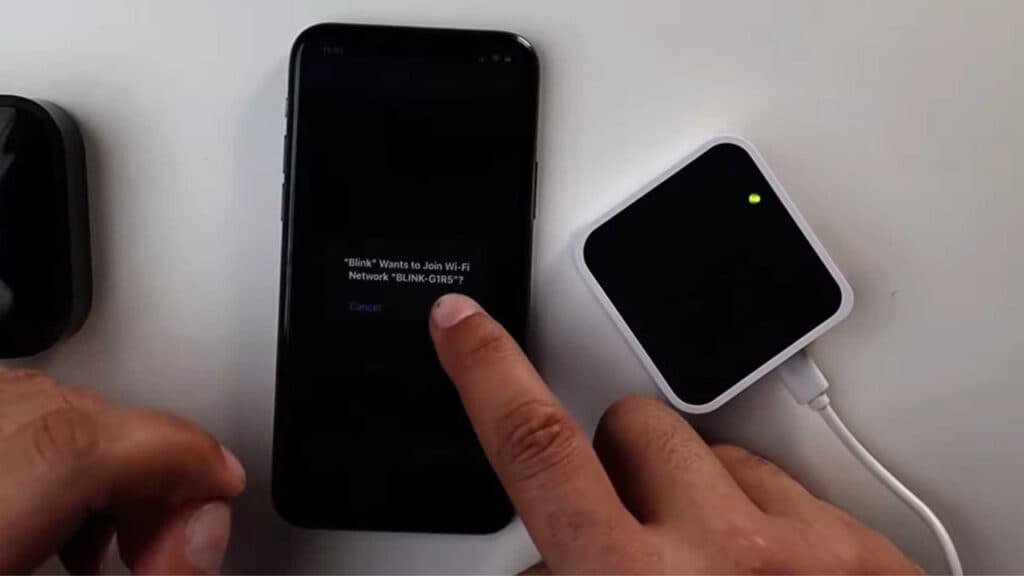
- Open the Blink app, select your sync module, and choose the option to change the Wi-Fi network [3:53].
- Perform a manual reset on the sync module by holding the button on the back until the light turns red [4:32].
- Follow the in-app prompts to reconnect the sync module to your Wi-Fi network by entering the correct password.
Ninja Tip: Ensure your sync module is placed in a central location between your router and cameras to prevent signal drops caused by physical obstructions or distance.
If the issue persists, perform a full factory reset by selecting Device Settings > Sync Module > Remove Device.
Keep Reading



