How to Fix a Blink Outdoor Camera Flashing Red

By Trae Jacobs,

When you buy through our links, we may earn an affiliate commission.
Your Blink outdoor camera is flashing red and has lost its connection. You can resolve this issue by following these steps.
- Check the battery status in the Blink app by navigating to your camera’s settings and viewing the monitoring section [0:53].
- Remove the back casing of the camera using a tool and replace the existing batteries with fresh lithium batteries [2:14].
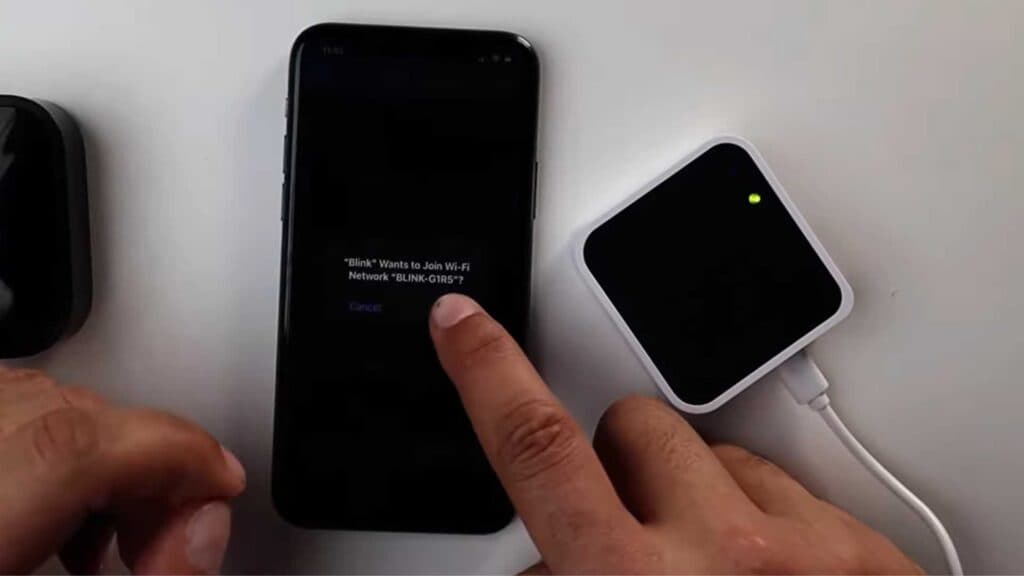
- Open the Blink app and select your sync module, then choose the option to change your Wi-Fi network [3:53].
- Reset the sync module by pressing and holding the small button on the back until the light turns red [4:35].
- Follow the in-app prompts to reconnect your sync module to your home Wi-Fi network while ensuring you enter the correct password.
Ninja Tip: Ensure your router is broadcast at the 2.4GHz frequency rather than 5GHz, as Blink devices often struggle to maintain a stable connection on higher bandwidth networks.
If the camera still fails to connect, perform a hard reset through the device settings in the Blink app.
Keep Reading



